 Help Center
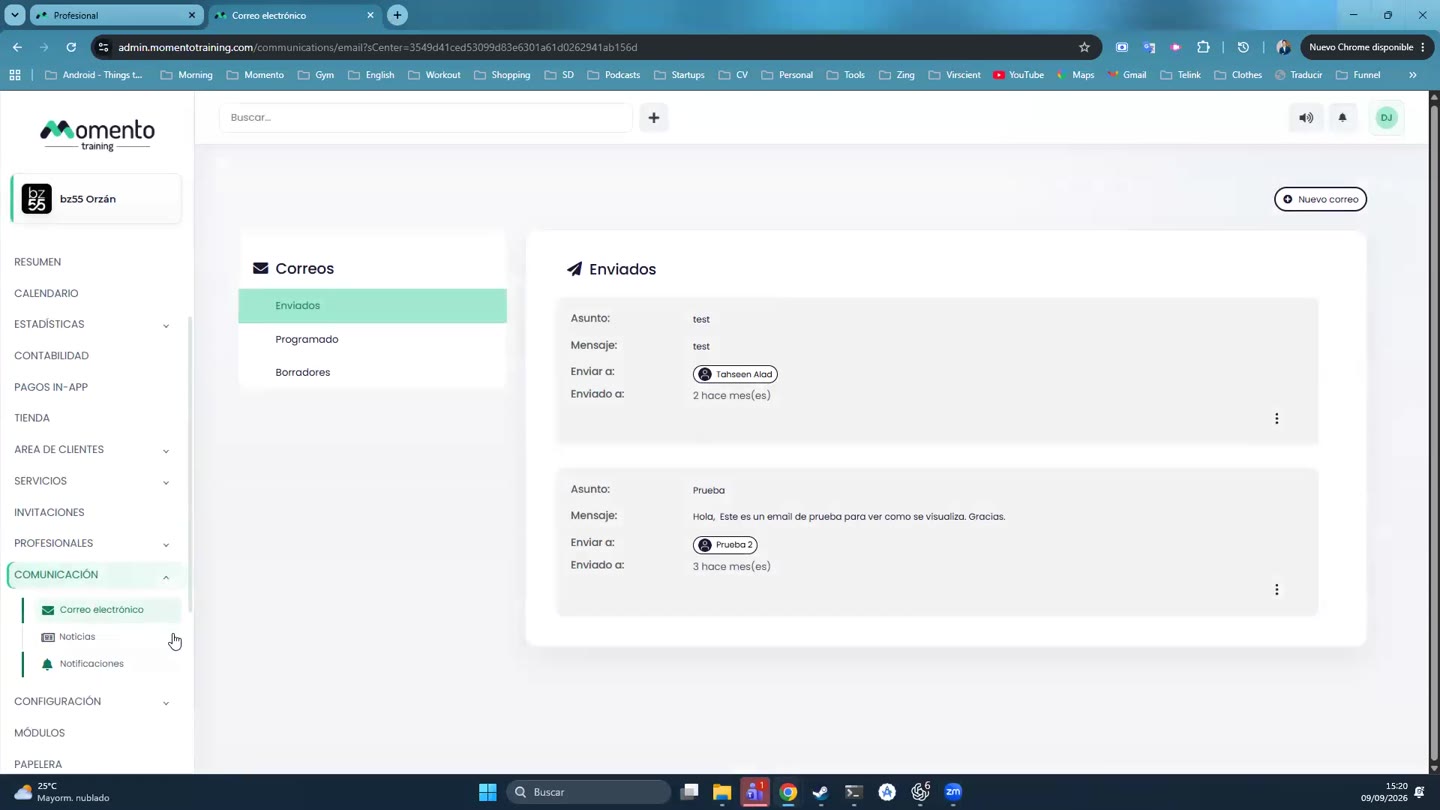
Send emails, news, and notifications
Choose the right channel, use dynamic variables, and decide between sending now, scheduling, or saving a draft.

Communication groups emails, news, and notifications. Each channel has different uses and should not be treated as interchangeable.
Dynamic variables let you personalise messages with client or studio data.
Before sending, review recipients, content, variables, scheduling, and whether silent mode affects the flow you are running.
Recommended steps
- Open Communication.
- Choose whether you want to send an email, news item, or notification.
- Review recipients, content, variables, and scheduling.
- Save as draft or send only after checking the full message.
Before you start
Make sure you are in Communication and that you have permission to perform this action in the correct center.
If you are changing information that affects clients, bookings, payments, or notifications, review the current state first to avoid incomplete changes.
What happens next
After saving or applying the action, return to the related list, profile, or session and check that the change appears as expected.
If the result is not what you expected, review filters, selected date, active center, and item status before repeating the action.