 Help Center
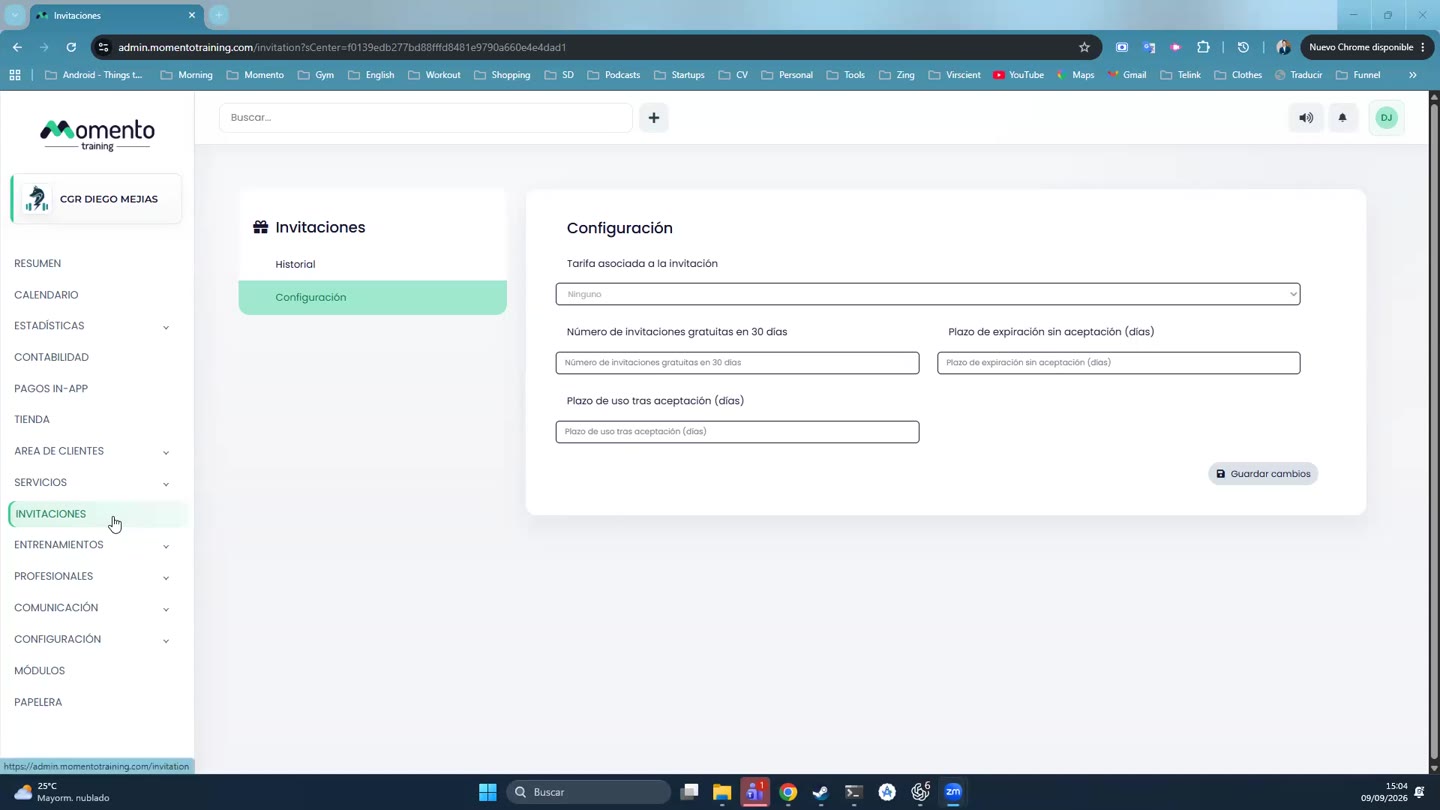
Send and track invitations
Enable invitations, send them by email, review statuses, and understand acceptance or redemption.

Invitations let clients invite other people according to the rules configured by the studio.
The flow can start from the app or the panel, and each invitation has statuses that show whether it was sent, accepted, or redeemed.
Review its link to rates and services to avoid incorrect redemption conditions.
Recommended steps
- Open Invitations.
- Check whether the invitation is active and what conditions apply.
- Send or review the invitation from the matching flow.
- Check its status and redemption result before closing the review.
Before you start
Make sure you are in Invitations and that you have permission to perform this action in the correct center.
If you are changing information that affects clients, bookings, payments, or notifications, review the current state first to avoid incomplete changes.
What happens next
After saving or applying the action, return to the related list, profile, or session and check that the change appears as expected.
If the result is not what you expected, review filters, selected date, active center, and item status before repeating the action.