 Help Center
Manage professional schedules and absences
Configure general, rotating, special schedules, holidays, and session transfers.

A professional profile defines visibility, permissions, public profile, and availability.
Schedules can be general, rotating, or special. Absences and holidays should be handled carefully because they may affect existing sessions.
When an absence affects future sessions, check whether they must be transferred to another professional or communicated.
Recommended steps
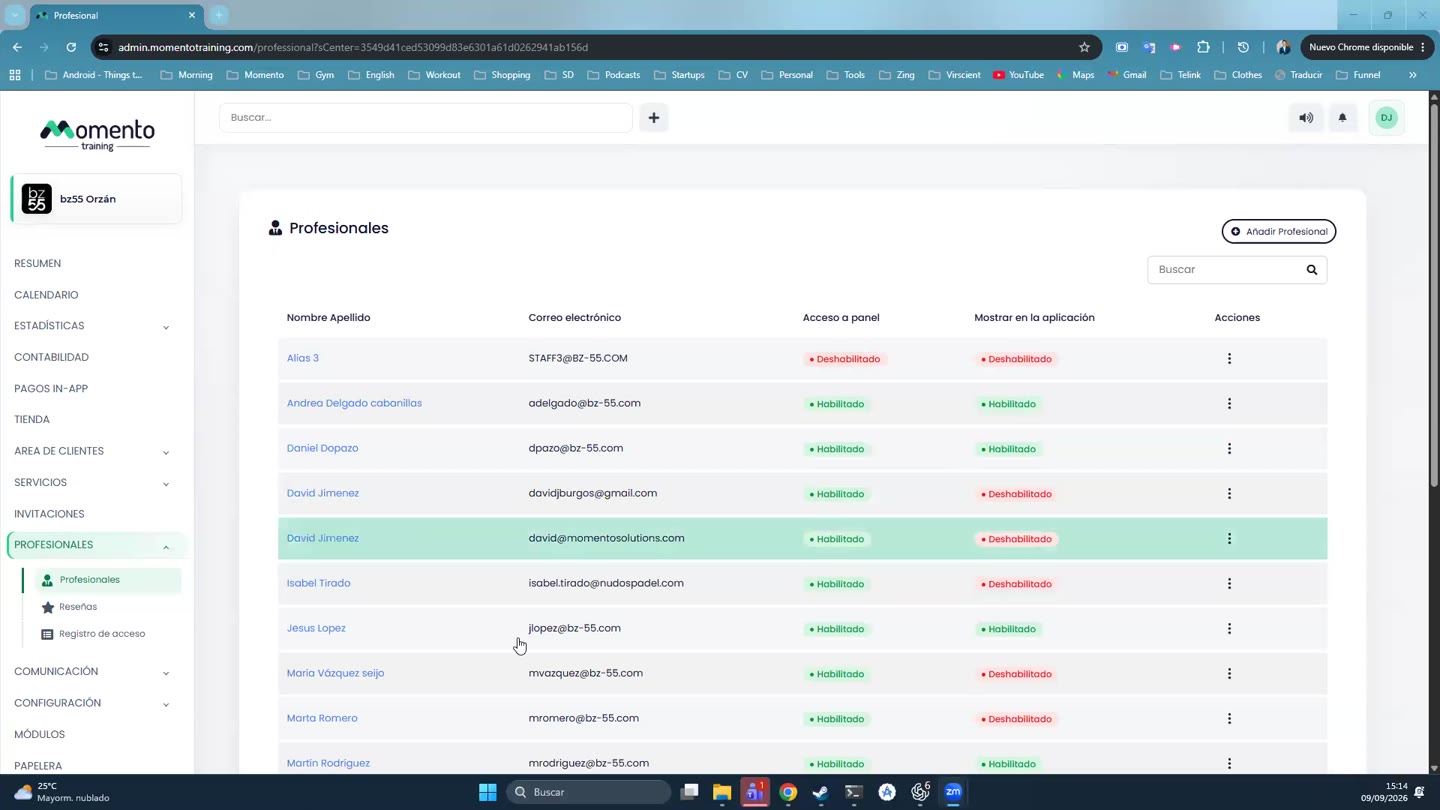
- Go to Professionals.
- Open the professional profile you want to create or edit.
- Review permissions, schedules, absences, and visibility before saving.
- Check whether the change affects future sessions or existing bookings.
Before you start
Make sure you are in Professionals and that you have permission to perform this action in the correct center.
If you are changing information that affects clients, bookings, payments, or notifications, review the current state first to avoid incomplete changes.
What happens next
After saving or applying the action, return to the related list, profile, or session and check that the change appears as expected.
If the result is not what you expected, review filters, selected date, active center, and item status before repeating the action.