 Help Center
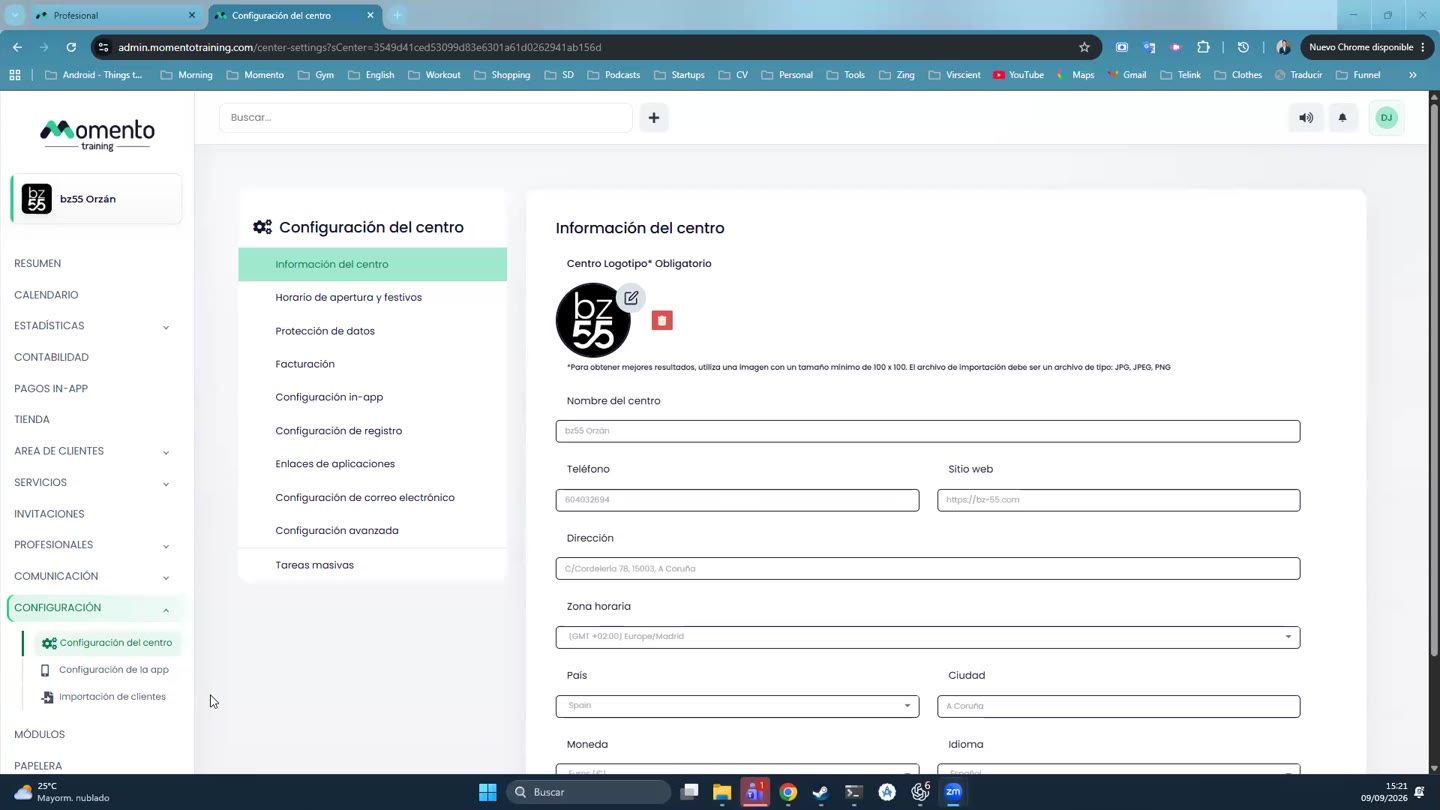
Basic studio and app settings
Review studio settings, opening hours, data protection, billing, app, registration, and client imports.

Settings gathers sensitive configuration. Some changes affect billing, registration, privacy, the app, and bulk tasks.
Before changing advanced items, confirm the impact with the responsible team and avoid provisional changes in production.
Client imports and bulk tasks require special care because they can affect many profiles at once.
Recommended steps
- Open Settings.
- Find the section you want to modify.
- Read the impact of the setting before changing it, especially if it affects billing, the app, or privacy.
- Save and check that the expected behavior applies in the panel or app.
Before you start
Make sure you are in Settings and that you have permission to perform this action in the correct center.
If you are changing information that affects clients, bookings, payments, or notifications, review the current state first to avoid incomplete changes.
What happens next
After saving or applying the action, return to the related list, profile, or session and check that the change appears as expected.
If the result is not what you expected, review filters, selected date, active center, and item status before repeating the action.