Help Center
Connect WhatsApp Business
Connect your WhatsApp number to Momento.

Written by MomentoNovember 6, 2026
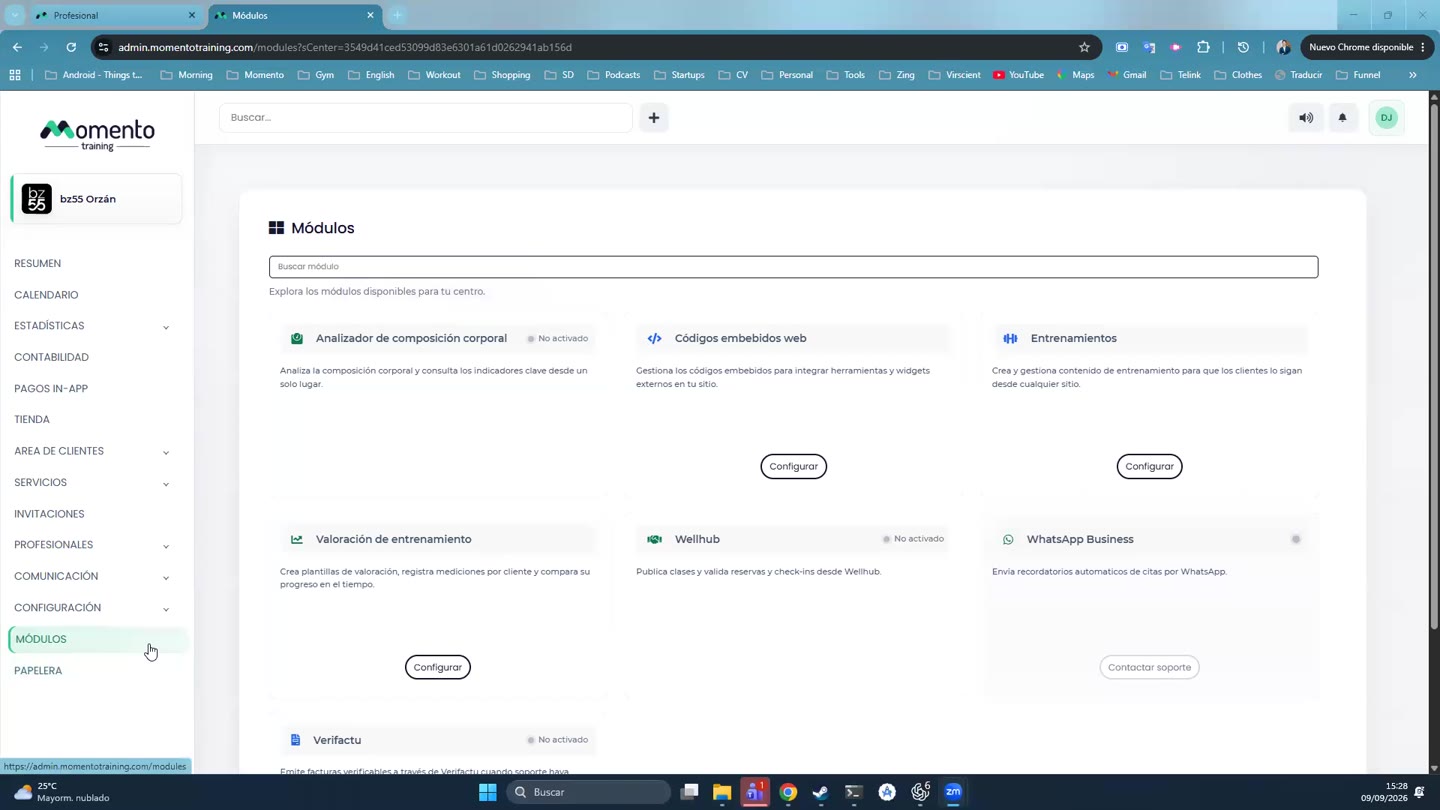
- Go to Modules › WhatsApp Business › Configure, Connection tab.
- The Setup block shows five steps and how many are ready:
- Connect your WhatsApp number.
- Reminder messages approved by Meta. Meta reviews the message templates before they can be sent.
- Payment method in Meta. Meta charges for messages, so it needs a payment method.
- Business display name. The name your clients see. It may take a while to show on their phones.
- Business verification. Optional. Without it you can message around 250 new clients a day; verifying raises the limit.
- Click Check again to refresh the status.
Note: if you click Disconnect, reminders and the assistant stop. The number stays yours.