Help Center
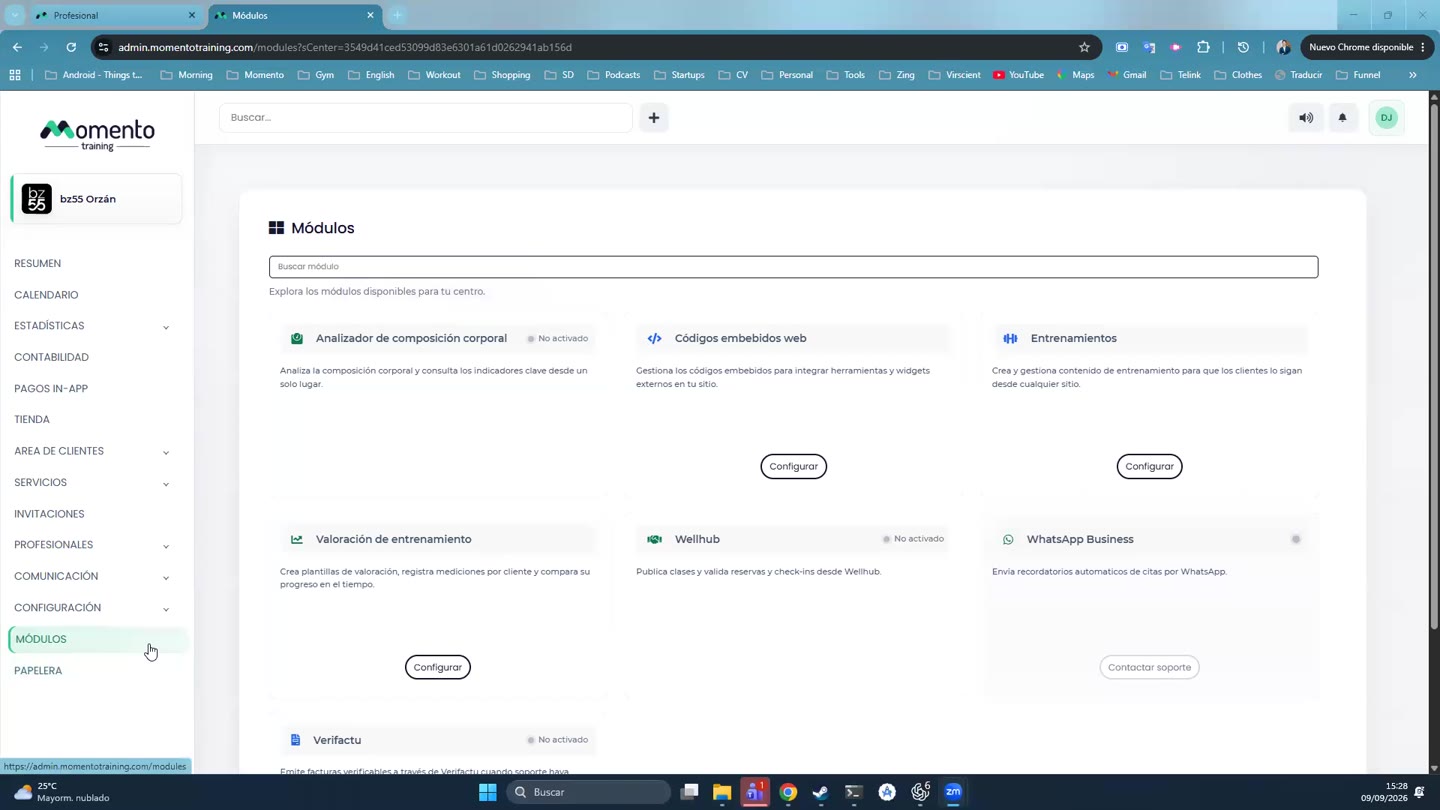
WhatsApp reminders
Send appointment reminders by WhatsApp and ask clients to confirm.

Written by MomentoNovember 6, 2026
- Go to WhatsApp Business, Reminders tab.
- Turn on Activate appointment reminders.
- In each service you want, tick Send WhatsApp reminder.
- Test it with Send a test reminder: enter a phone number and click Send test.
Reminder history
You'll see each reminder with the date sent, client, class or appointment, appointment date, type, delivery and confirmation. You can filter by:
- Type: manual or automatic.
- Delivery: pending, accepted, sent, delivered, read, failed, not sent.
- Confirmation: confirmed, awaiting reply, not required, not applicable.