 Help Center
Read KPIs and reports correctly
Use filters, periods, and reports to interpret activity without mixing different data contexts.

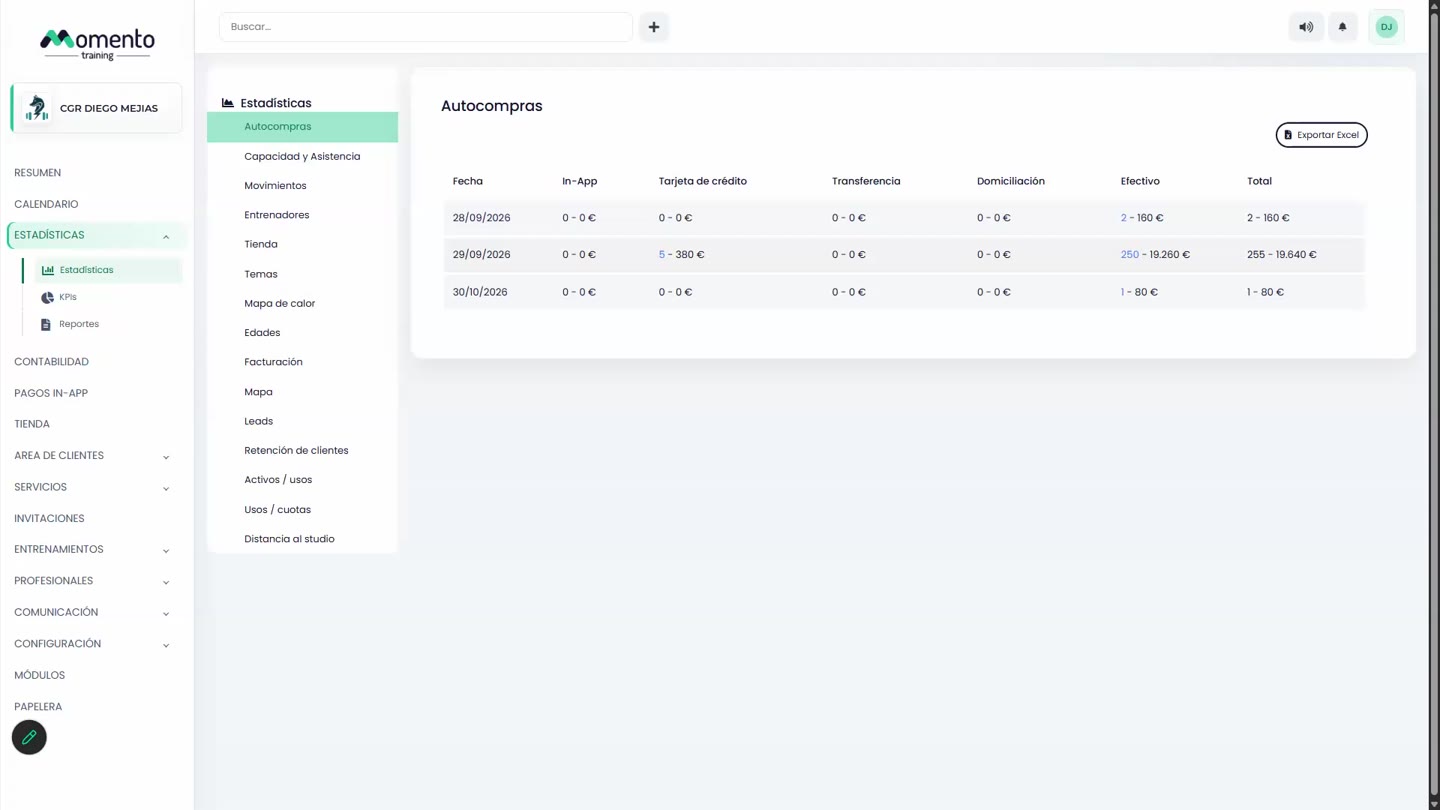
Statistics helps you understand the studio evolution, but the data is only useful when filters and periods are consistent.
Before making decisions, confirm the date range, studio, service, and metric criteria.
Reports are useful for sharing an operational reading with management, coordinators, or the studio team.
Recommended steps
- Open Statistics.
- Select the period and filters you want to analyze.
- Check that you are comparing data from the same center, service, or context.
- Use the report to identify trends, not to make decisions from one isolated number.
Before you start
Make sure you are in Statistics and that you have permission to perform this action in the correct center.
If you are changing information that affects clients, bookings, payments, or notifications, review the current state first to avoid incomplete changes.
What happens next
After saving or applying the action, return to the related list, profile, or session and check that the change appears as expected.
If the result is not what you expected, review filters, selected date, active center, and item status before repeating the action.