 Help Center
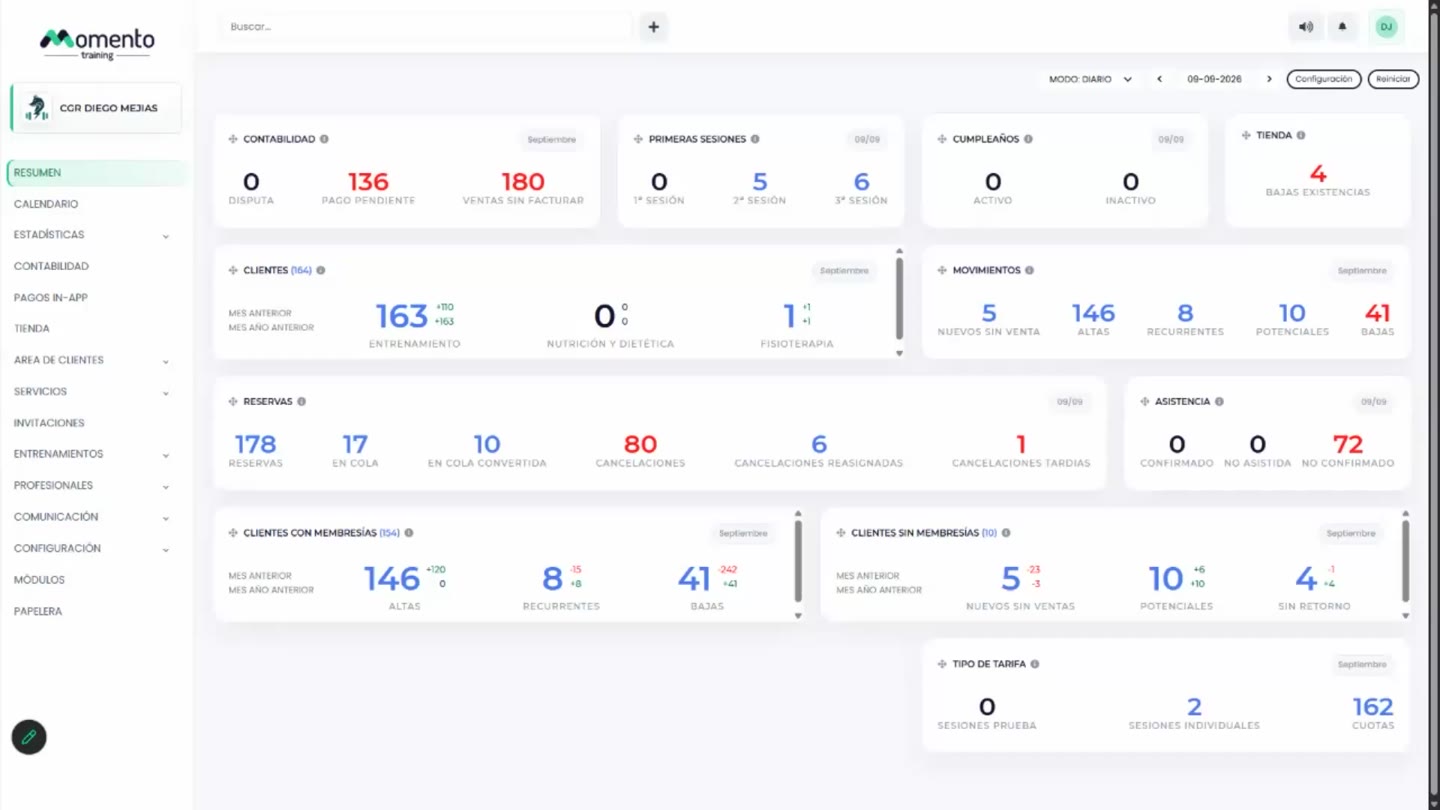
Use the panel top bar
Use quick search, client creation, silent mode, updates, and the user menu from the panel top bar.

Use this guide to understand the main actions available in Use the panel top bar.
Before changing settings or operational data, review the current state of the center and any existing bookings, purchases, or client records that may be affected.
Follow the sections in order when you are learning the module for the first time. Once you know the flow, use the table of contents to jump directly to the area you need.
Recommended steps
- Go to the panel top bar.
- Find the shortcut you need before making changes in other sections.
- Check whether the action affects clients, notifications, or the active center.
- Complete the action and review the result before continuing with other tasks.
Para que sirve la barra superior
This section covers the Para que sirve la barra superior area in MomentoTraining.
Use it to understand where the option belongs, what information to review, and what result to check after making a change.
If the action affects clients, bookings, payments, or notifications, review the result before continuing with other changes.
Buscador de clientes y profesionales
This section covers the Buscador de clientes y profesionales area in MomentoTraining.
Use it to understand where the option belongs, what information to review, and what result to check after making a change.
If the action affects clients, bookings, payments, or notifications, review the result before continuing with other changes.
Boton Nuevo cliente
This section covers the Boton Nuevo cliente area in MomentoTraining.
Use it to understand where the option belongs, what information to review, and what result to check after making a change.
If the action affects clients, bookings, payments, or notifications, review the result before continuing with other changes.
Modo silencioso
This section covers the Modo silencioso area in MomentoTraining.
Use it to understand where the option belongs, what information to review, and what result to check after making a change.
If the action affects clients, bookings, payments, or notifications, review the result before continuing with other changes.
Actualizaciones de Momento
This section covers the Actualizaciones de Momento area in MomentoTraining.
Use it to understand where the option belongs, what information to review, and what result to check after making a change.
If the action affects clients, bookings, payments, or notifications, review the result before continuing with other changes.
Recomendaciones de uso
This section covers the Recomendaciones de uso area in MomentoTraining.
Use it to understand where the option belongs, what information to review, and what result to check after making a change.
If the action affects clients, bookings, payments, or notifications, review the result before continuing with other changes.