Help Center
Create a program
Plan weeks and days of training.

Written by MomentoNovember 6, 2026
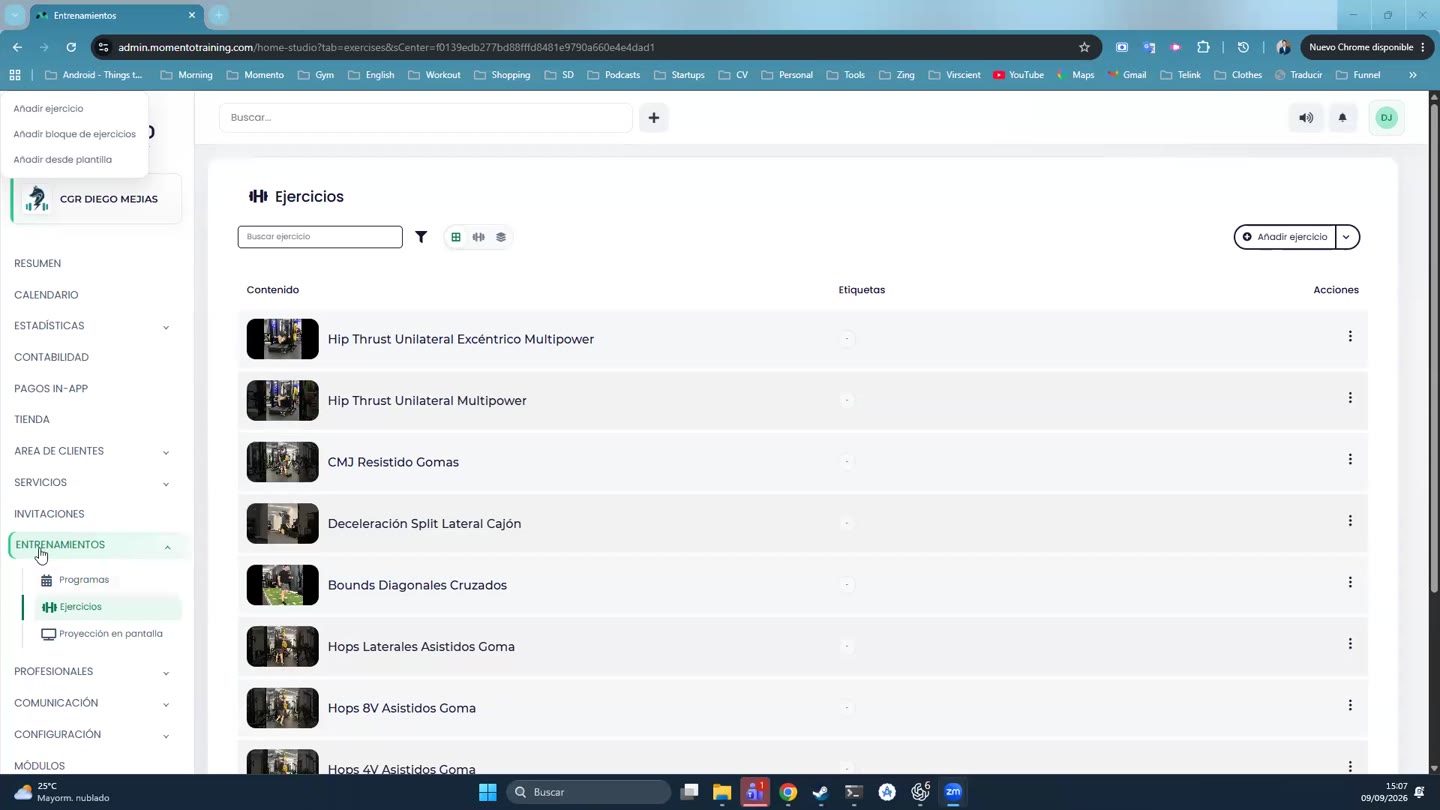
- Go to Training › Programs and click Create program.
- Enter the name (for example, "Strength – Week 1") and the Notes for the client.
- Under Program content, each week has days 1 to 7. Click a day and add exercises or blocks.
- Add week adds more weeks.
- If you'd rather use calendar dates instead of "day 1, day 2…", turn on Program by date.
- Click Save.
The programs list shows each one's weeks, updated date and price.