Help Center
Send an invitation and track it
How invitations are sent and how to see how many are used.

Send an invitation
- From the app: your clients send invitations up to the monthly limit you've set.
- From the panel: your team can also create one with New invitation, in the History tab.
The guest receives the invitation, signs up and gets the linked membership to book their class.
See what happens to invitations
In Invitations › History, the counters show Sent, Accepted and Redeemed. The table lists each invitation with who sent it, who to, the sign-up and the status.
You can filter by status and move between periods with the arrows.
Tip: follow up guests who sign up but don't buy with the CRM, or add them to a funnel.
FAQ
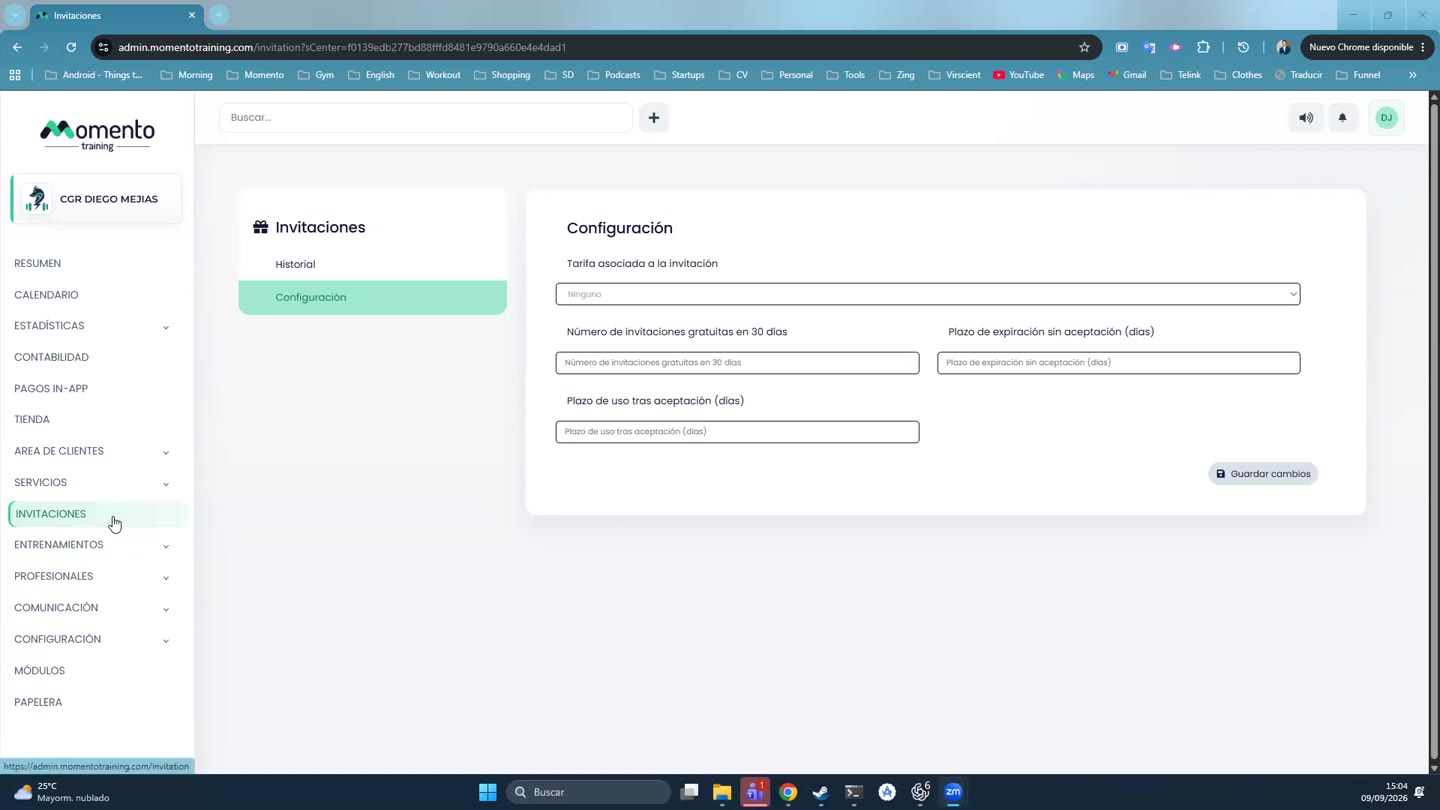
Can a client invite as many friends as they like? No. They can send up to the Number of free invitations in 30 days you've set.
What happens if the guest doesn't accept? The invitation expires after the Expiry if not accepted days.
How do I turn invitations off? The Invitations screen shows whether the section is enabled. If you need to change it, contact support.