 Help Center
Create a one-off session
Add a non-recurring session to the calendar for a specific date, time, service, and professional.

A one-off session is useful when you need to create an isolated class, appointment, or activity outside a recurring schedule.
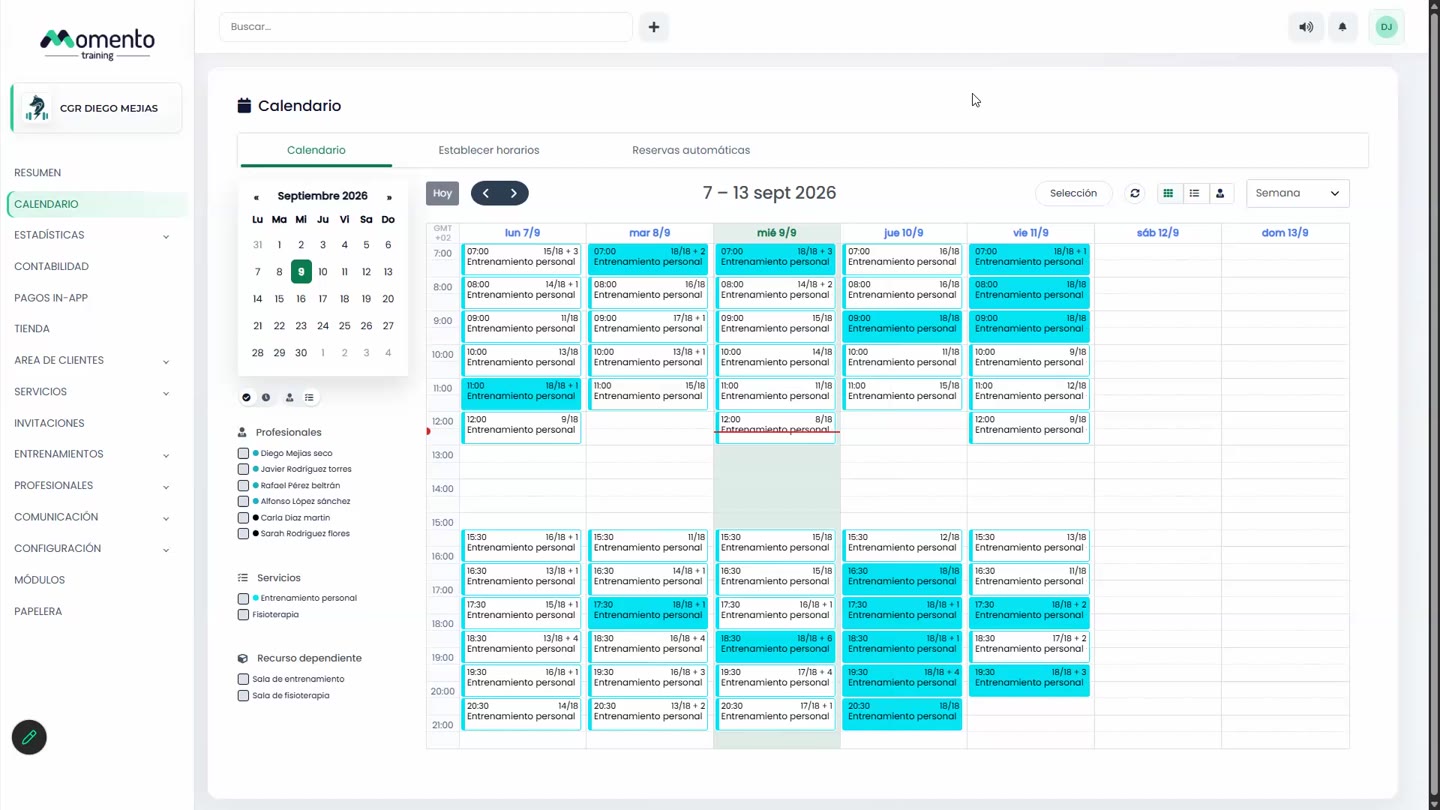
From the calendar you can choose the time slot and complete the service, professional, capacity, and booking settings.
Before saving, check whether the session should be visible in the app and whether notifications should be sent.
Recommended steps
- Open Calendar and move to the right date.
- Click the time slot where the session should be created.
- Complete service, professional, capacity, and booking options.
- Save and check how it appears in the calendar view.
Before you start
Make sure you are in Calendar and that you have permission to perform this action in the correct center.
If you are changing information that affects clients, bookings, payments, or notifications, review the current state first to avoid incomplete changes.
What happens next
After saving or applying the action, return to the related list, profile, or session and check that the change appears as expected.
If the result is not what you expected, review filters, selected date, active center, and item status before repeating the action.