 Help Center
Book a client from a session detail
Add clients to a session, review their membership status, and manage bookings, waiting list, and attendance.

The session detail gathers confirmed bookings, the waiting list, cancellations, and history.
When searching for a client, review their membership status before confirming the booking. This helps avoid booking someone without balance or with pending payments when it is not appropriate.
From this view you can also confirm appointments, mark attendance, or take action on a specific booking.
Recommended steps
- Open the session from the calendar.
- Go to the bookings tab.
- Search for the client and review their membership indicator.
- Confirm the booking or add them to the waiting list depending on availability.
Before you start
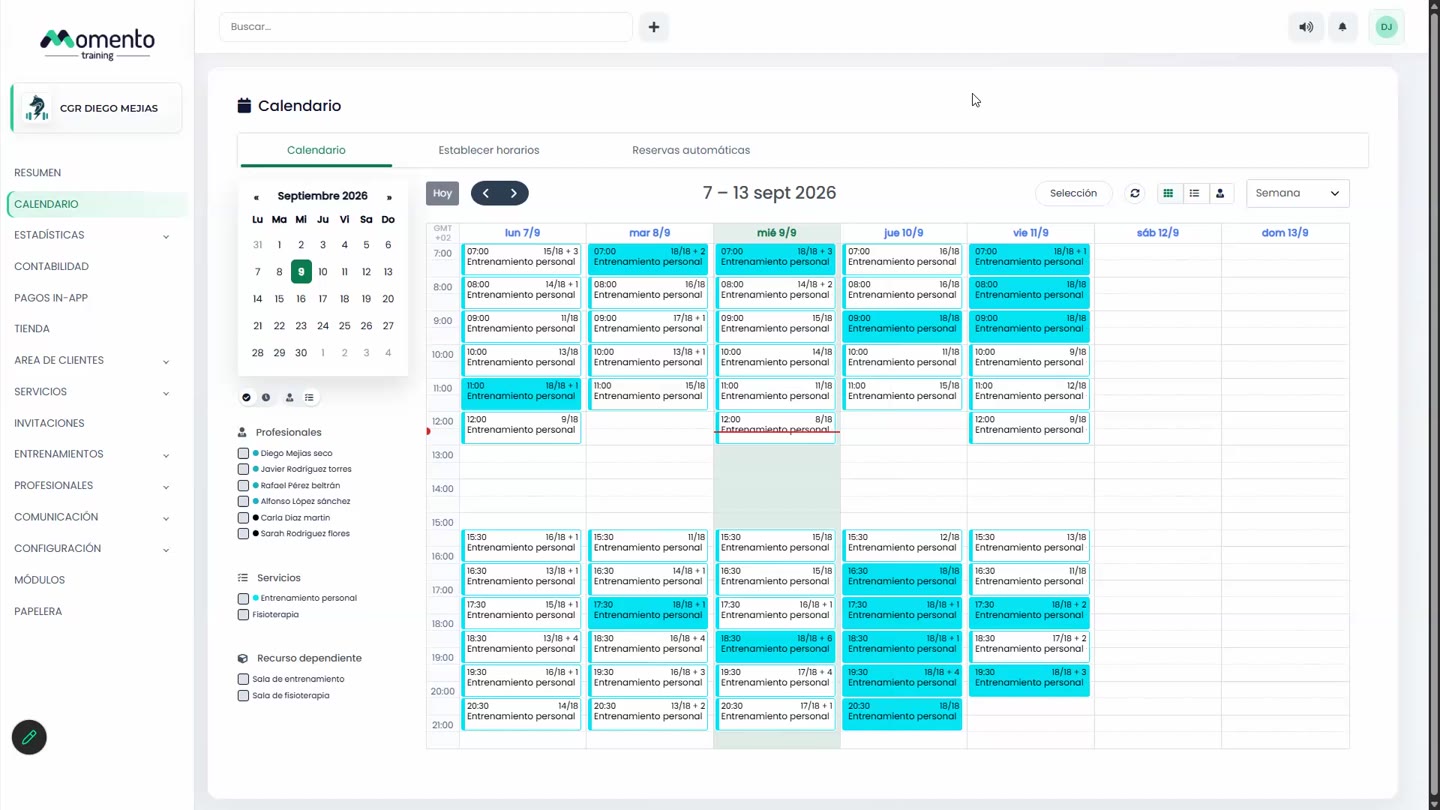
Make sure you are in Calendar and that you have permission to perform this action in the correct center.
If you are changing information that affects clients, bookings, payments, or notifications, review the current state first to avoid incomplete changes.
What happens next
After saving or applying the action, return to the related list, profile, or session and check that the change appears as expected.
If the result is not what you expected, review filters, selected date, active center, and item status before repeating the action.