Help Center
Booking and cancellation rules
Decide until when clients can book and cancel, and what they see in the app.

Written by MomentoNovember 6, 2026
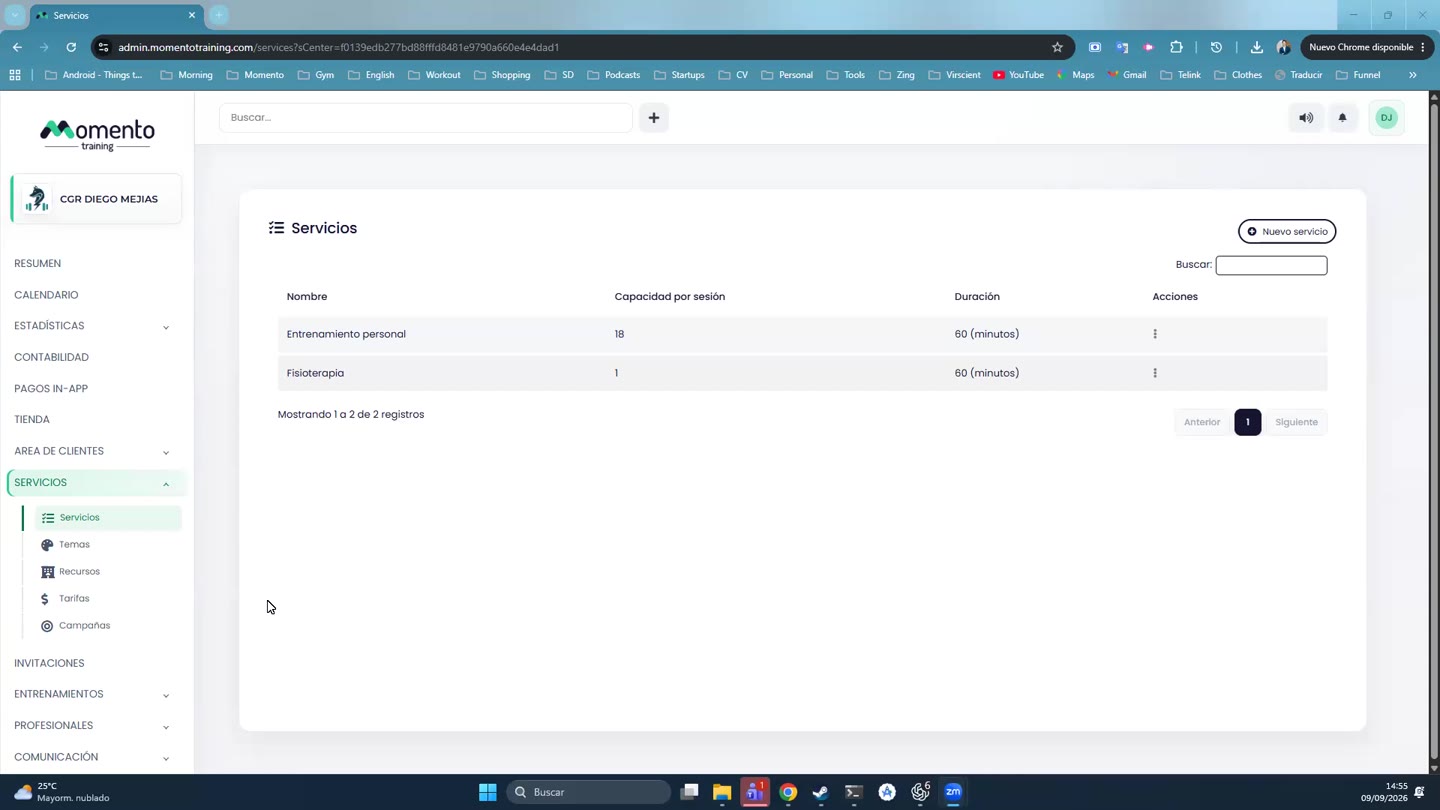
- Go to Services › Services.
- On the service, open Actions › Edit.
- Go to the Booking settings tab.
When clients can book
- Bookings accepted until: the start of the class, the end, or one hour before.
- Allow same-day session: turn it off if you don't want last-minute bookings.
- Advance bookings: how far ahead they can book (in minutes or days).
- Automatic booking period: how many days ahead automatic bookings are made.
When clients can cancel
- Free cancellation until: how many hours before the class they can cancel without losing the session. For example, with 24 hours they have to cancel the day before.
- Same-day changes without penalty.
Reminders
- Send reminder: an alert before the class.
- If you have WhatsApp Business, you can also choose to send a WhatsApp reminder (for example, 24 hours before).
What clients see in the app
- Show who has booked in the app: who's in the class. It makes sense for group classes; for physiotherapy, better not.
- Hide session occupancy in the app: doesn't show how many spots are left (for example, 2/7).
- Show the professional in the app: important if your clients choose by professional.
- Show how many people are on the waitlist.
Tip: match the free cancellation window to your policy. Too flexible and spots free up too late; too strict and clients get annoyed.