Help Center
How statistics work
The Statistics tabs and their filters.

Written by MomentoNovember 6, 2026
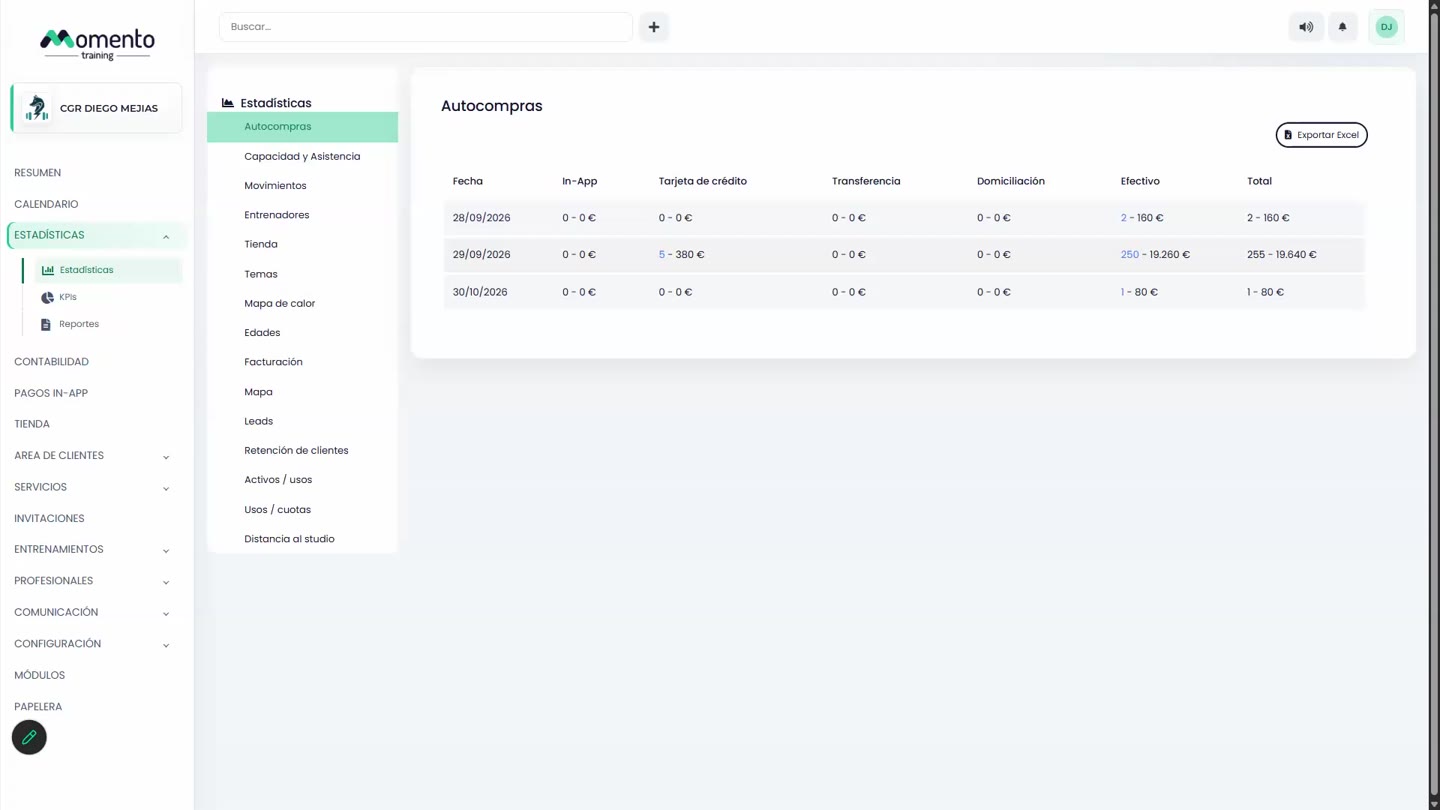
Statistics › Statistics has 15 tabs:
Auto-purchases · Capacity and attendance · Movements · Trainers · Store · Themes · Heat map · Ages · Billing · Map · Leads · Client retention · Active / uses · Uses / memberships · Distance to the studio.
Most of them share the same filters:
- The period (Annual or by month), with arrows to move between periods.
- All services, to filter by service.
- Apply to update and Reset to clear the filters.
Note: only professionals with the Statistics permission can see this section.
Which tab should I look at to…?
| I want to know… | Tab |
|---|---|
| How much I bring in each day or month | Auto-purchases and Billing |
| Whether my classes fill up, and at what times | Capacity, attendance and heat map |
| How many sign-ups and drop-outs I have | Movements, retention and leads |
| How each professional is doing | Trainers, themes and store |
| Who my clients are and where they live | Ages, map, distance and usage |