Help Center
Find and export clients
Find any client and download your list.

Written by MomentoNovember 6, 2026
Client area › Clients lists all your clients, with the total at the top.
- To find someone, type in the search box (name, email or phone).
- To open their file, click their name.
- To export the list, use the Actions menu.
Each client has a unique number (Client #) shown in the table.
Note: only professionals with the Export clients permission can export.
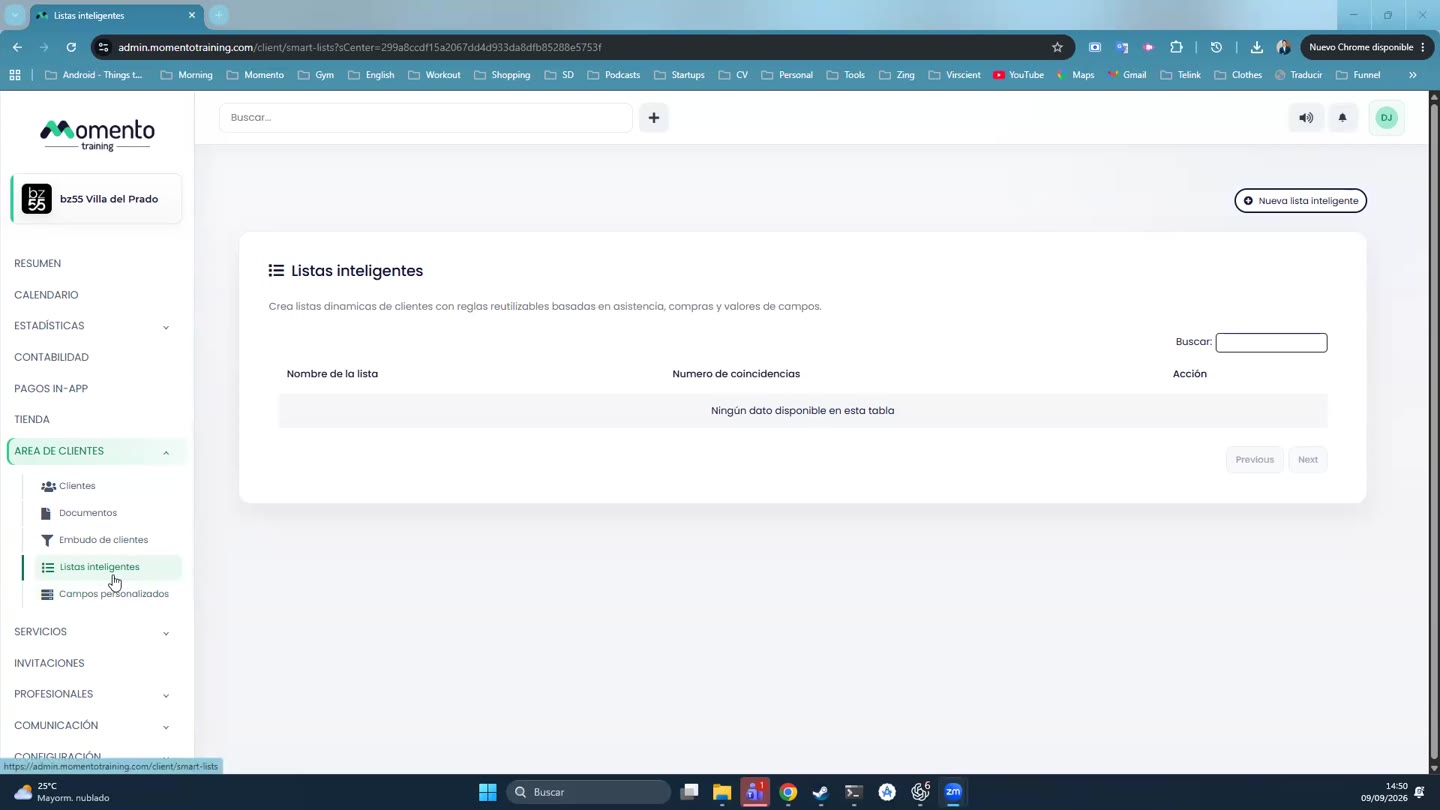
Tip: if you want a specific group of clients (for example, everyone who comes to Pilates), create a smart list.