Help Center
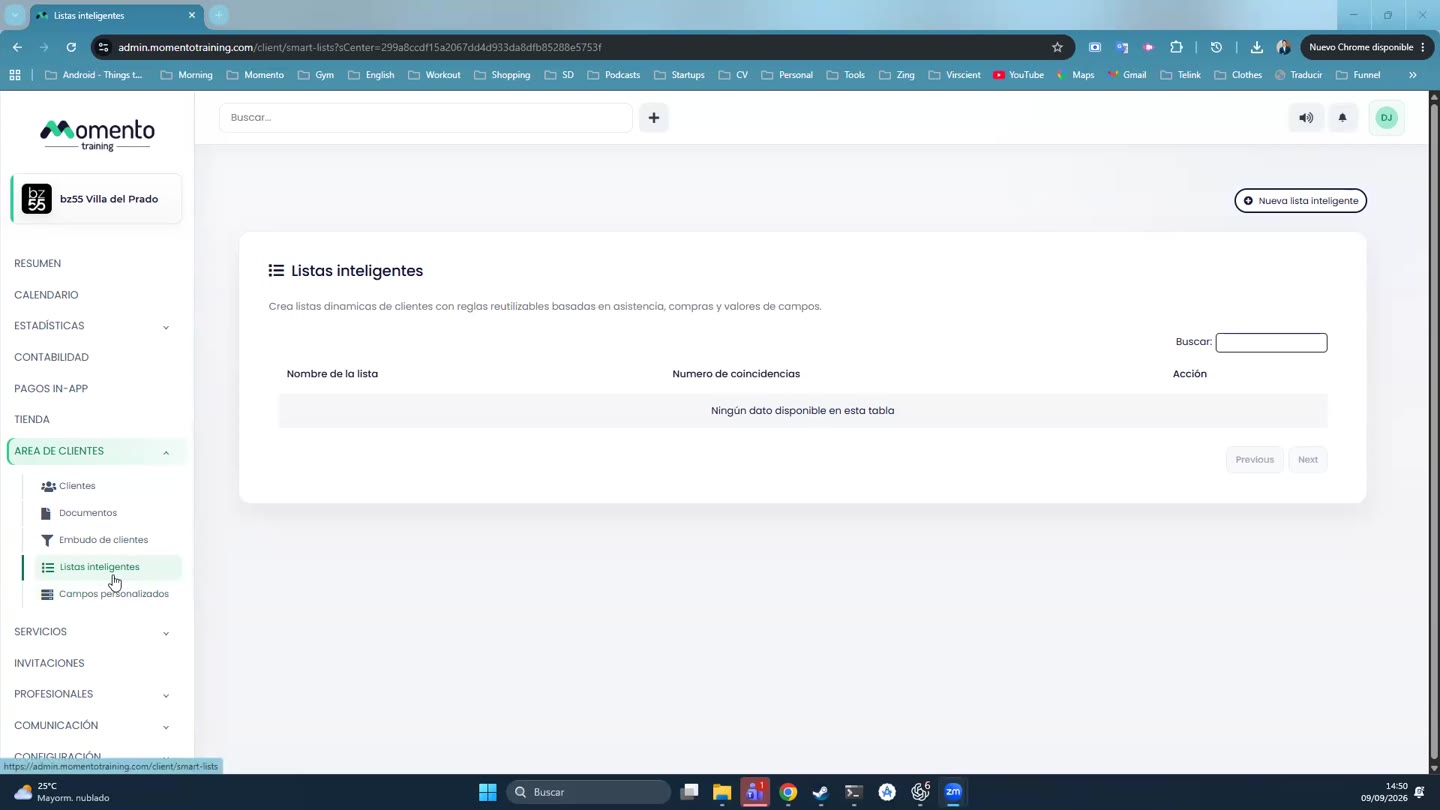
Smart lists
Groups of clients that update themselves based on the rules you set.

Written by MomentoNovember 6, 2026
A smart list groups the clients who meet a set of rules and updates itself. For example: "clients who came to Pilates this month" or "clients with no purchases in the last 60 days".
- Go to Client area › Smart lists and click New smart list.
- Give it a Name and a Description.
- Under Match, choose whether clients must meet all the rules or any of them.
- Add the rules: attendance, purchases or field values. For example: Service = Pilates, Attendance, From / To.
- Click Preview to see which clients match.
- Click Save.
You can use these lists as recipients when you send an email or a notification.