Help Center
Custom fields
Ask your clients for extra information Momento doesn't collect by default.

Written by MomentoNovember 6, 2026
If you need to store something else about your clients (their fitness level, how they found you…), create a custom field.
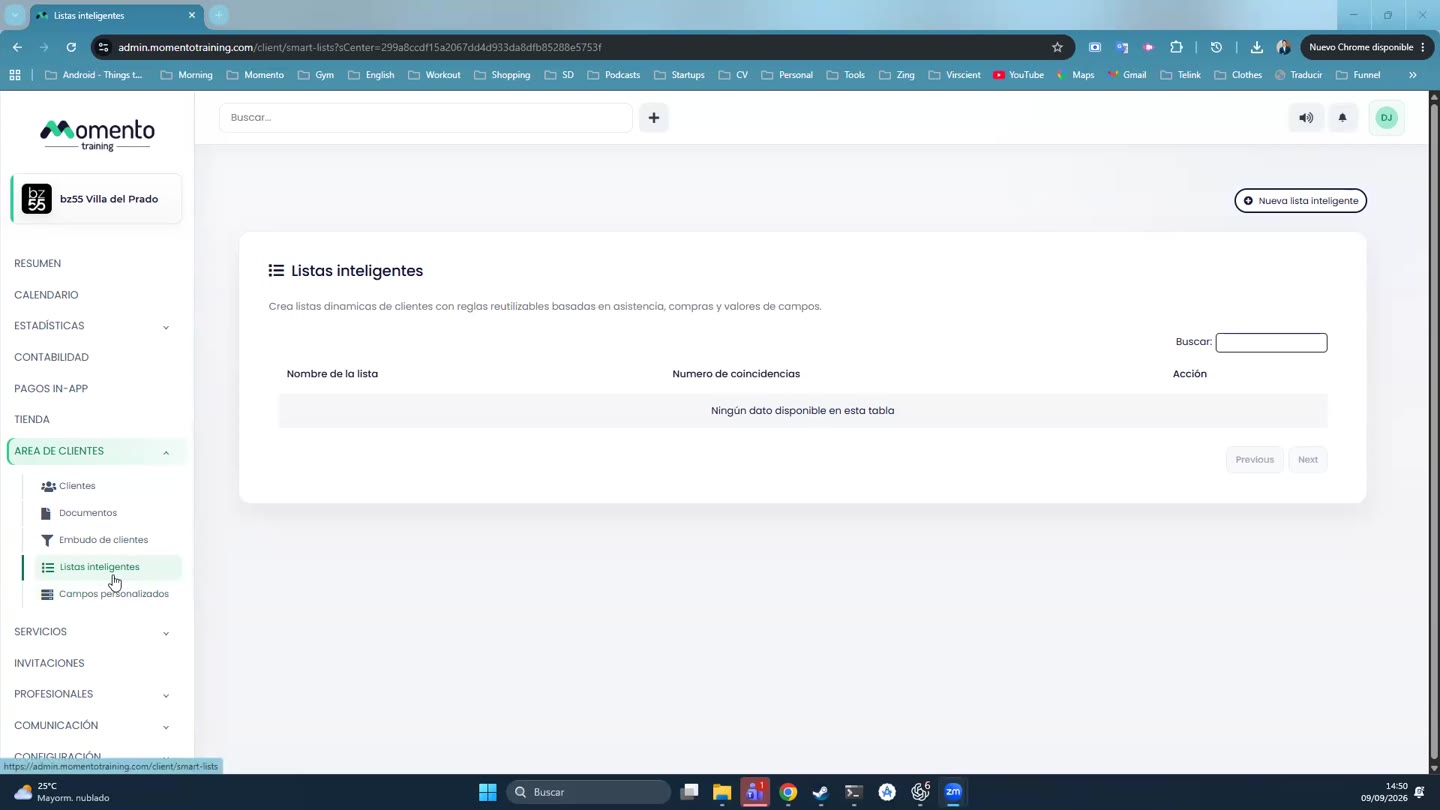
- Go to Client area › Custom fields.
- Click Add new field.
- Enter the Field name and choose the Type: text, yes/no or dropdown.
- If it's a dropdown, add the options with Add option.
- Save.
Where you can use them
- In each client's file.
- In the app's sign-up form (see Client sign-up form).
- As variables in emails, for example
{custom_nivel_fisico}. - As rules in smart lists.
The Default fields button shows the ones that come with Momento.