 Help Center
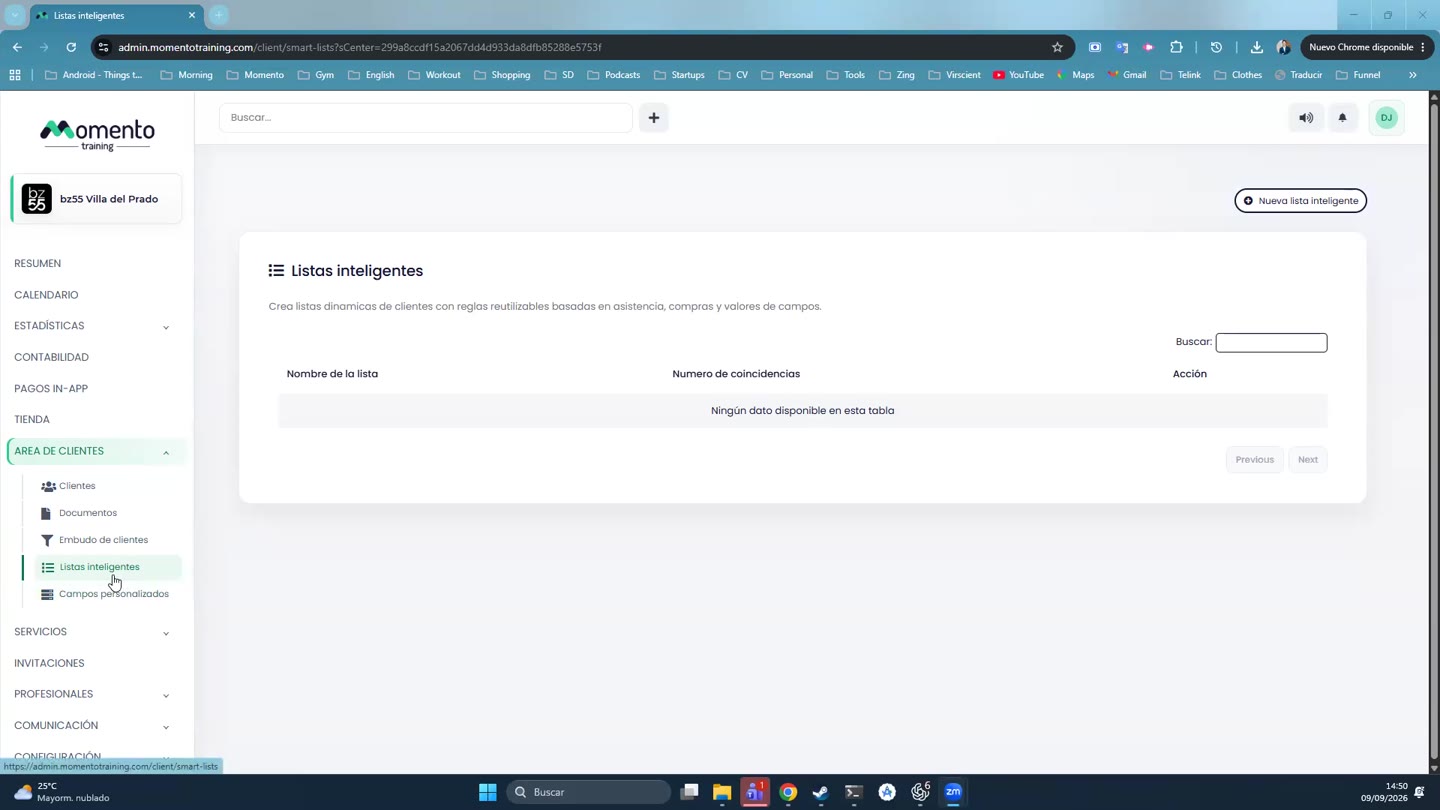
Use client smart lists
Create dynamic segments based on rules to find clients and act in bulk.

Smart lists group clients using rules, fields, and conditions that update dynamically.
They are useful for campaigns, operational follow-up, detecting clients without memberships, or identifying specific profiles.
Before saving a list, use the preview to confirm the rules return the expected group.
Recommended steps
- Go to Client area.
- Search for the client or apply filters if you need to work with a specific group.
- Open the profile and review personal details, purchases, bookings, documents, and preferences.
- Save the changes and verify that the profile is updated.
Before you start
Make sure you are in Client area and that you have permission to perform this action in the correct center.
If you are changing information that affects clients, bookings, payments, or notifications, review the current state first to avoid incomplete changes.
What happens next
After saving or applying the action, return to the related list, profile, or session and check that the change appears as expected.
If the result is not what you expected, review filters, selected date, active center, and item status before repeating the action.