Help Center
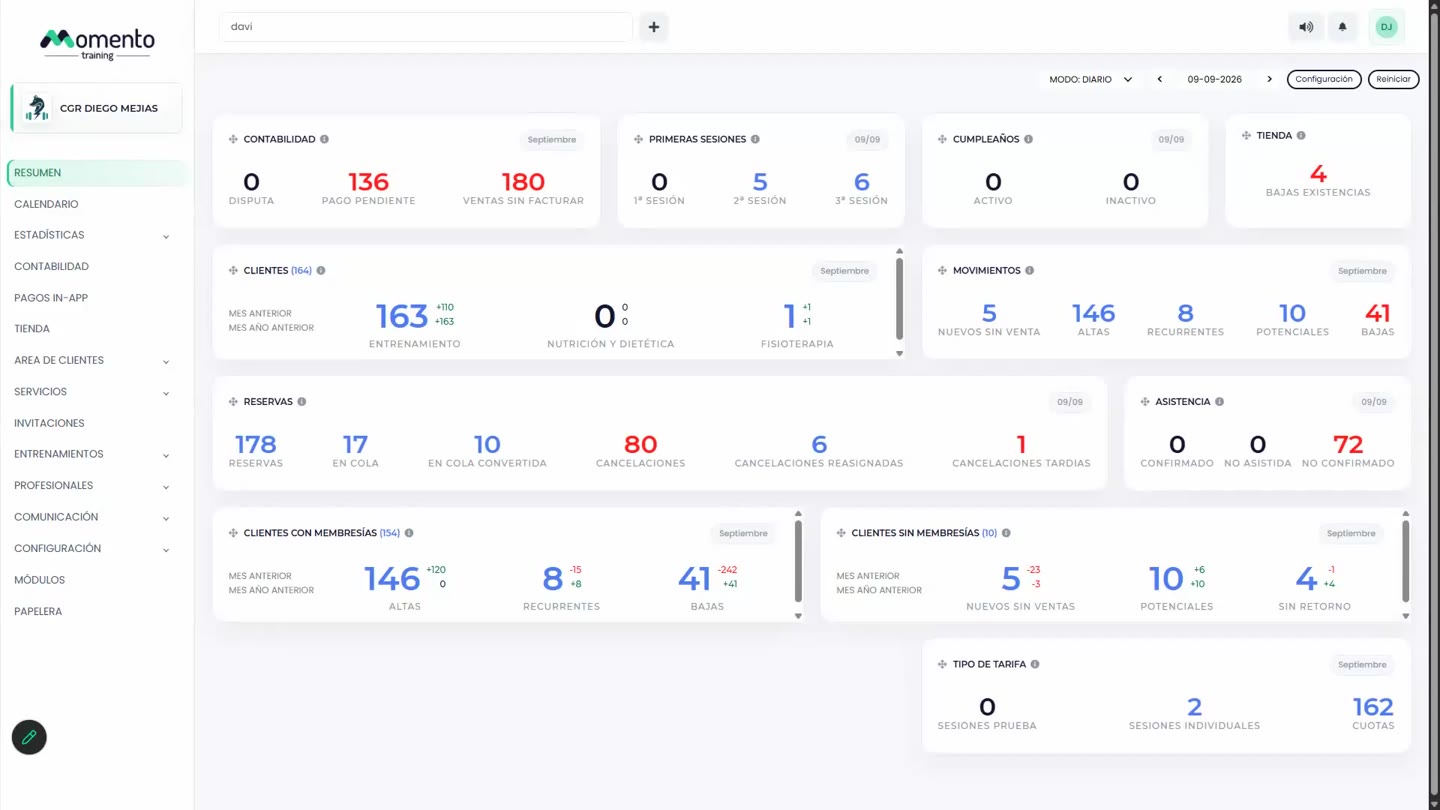
Customize the Overview
Choose which blocks you see and in what order.

Written by MomentoNovember 6, 2026
You can tailor the Overview so it shows only what you check every day.
- Go to Overview.
- Click Settings at the top.
- Tick the blocks you want to see.
To go back to the original layout, click Reset.
Note: each professional only sees the figures their permissions allow. The Overview and Financial data permissions control this.