Help Center
Set up your center's email
Send emails from your own address.

Written by MomentoNovember 6, 2026
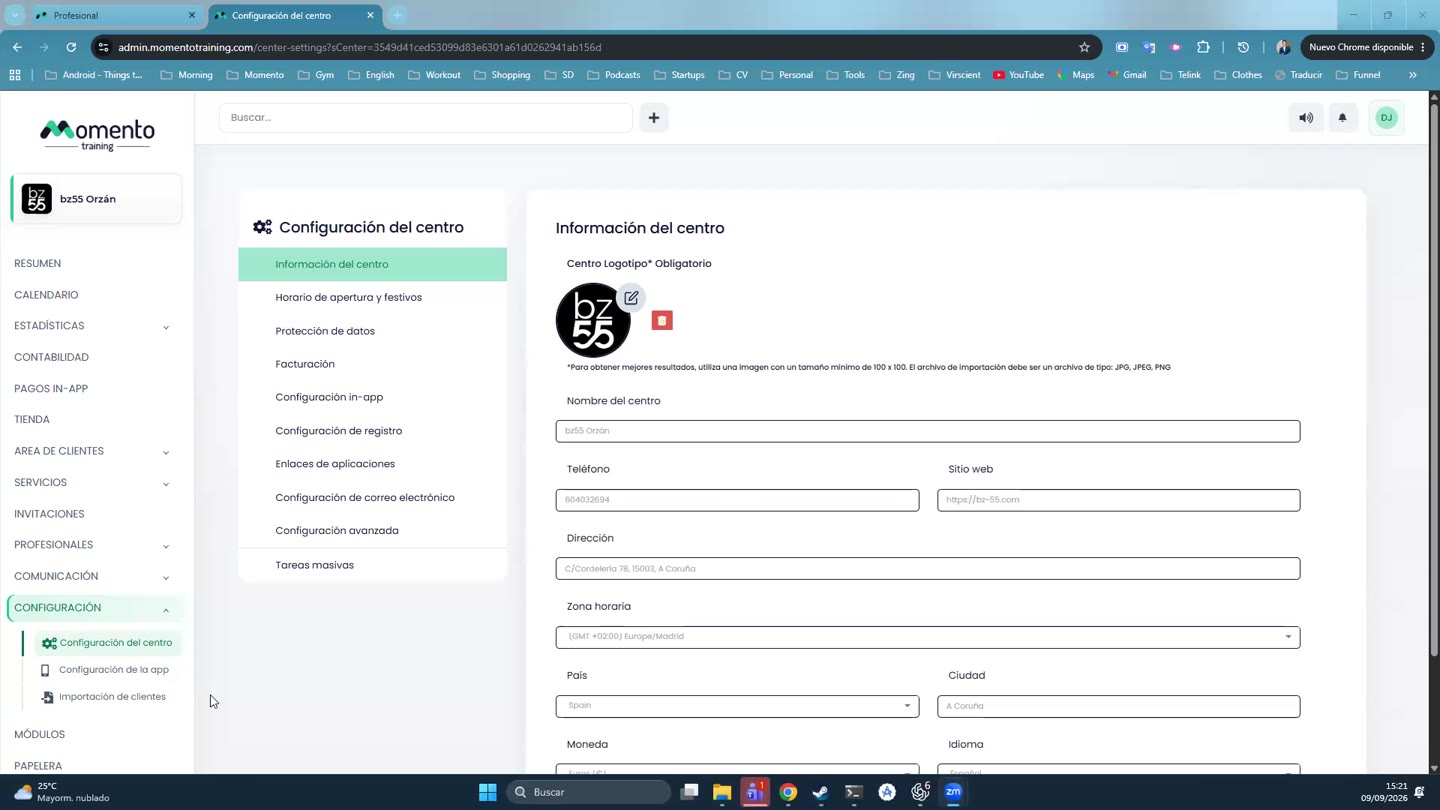
- Go to Center settings › Email settings.
- Under Email (Step 1), enter the address your emails will come from.
- The panel shows the DNS records (for example, SPF) to add to your domain. Your web or domain provider can add them for you.
- Once they're added, verify the sender.
Tip: verifying your domain makes it much less likely your emails end up in spam.