Help Center
Send an email to your clients
Write and send an email to one or many clients from the panel.

Written by MomentoNovember 6, 2026
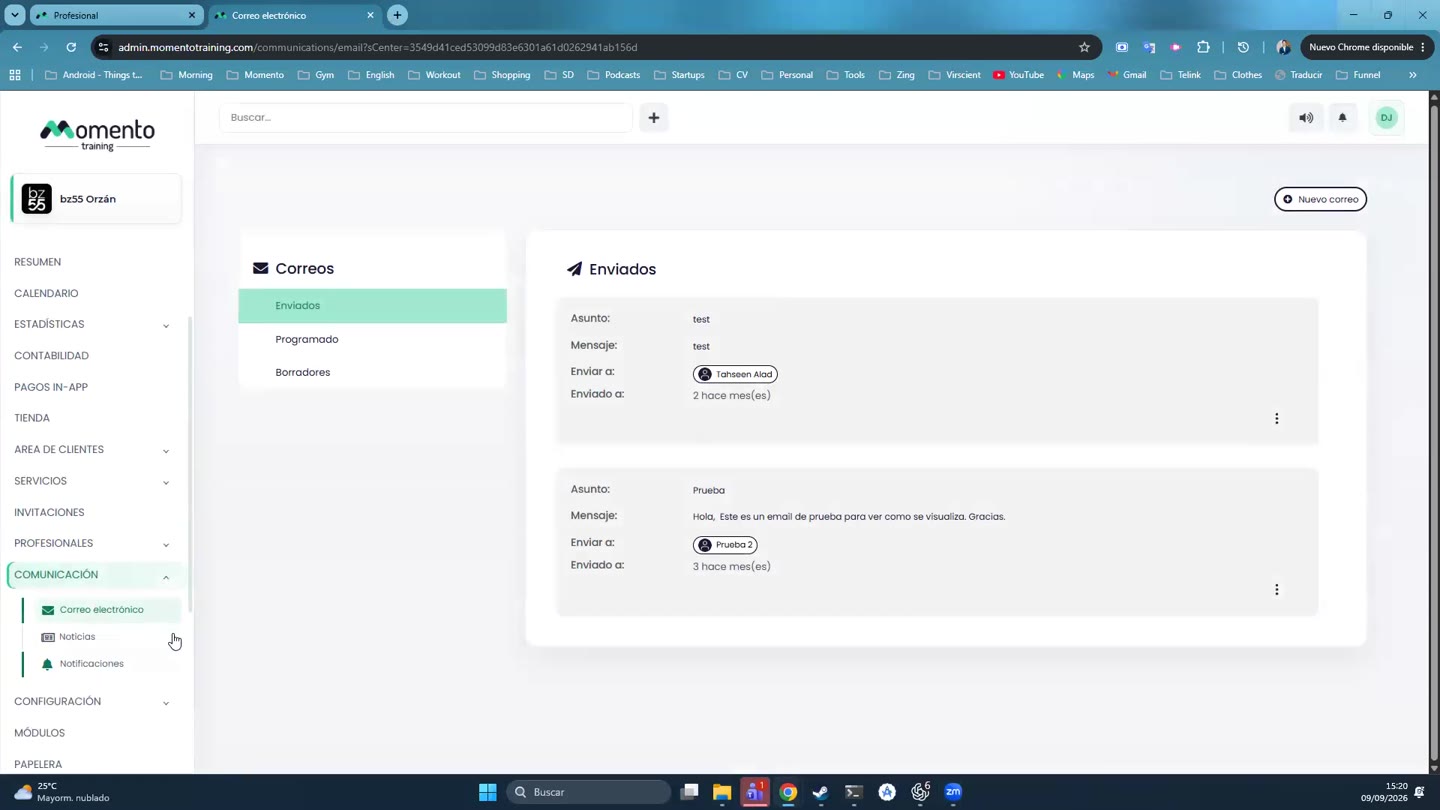
- Go to Communication › Email and click New email.
- Under Add recipients, choose specific clients, groups or smart lists.
- Write the Subject.
- Write the Message. The editor lets you add bold, links, tables…
- Choose what to do:
- Send now.
- Schedule sending, for a date and time.
- Save as draft, to finish it later.
Sent emails appear in the Sent tab, with the recipients of each one.
Tip: use variables like {first_name} so each client gets the email with their own name. See Personalize your messages.