Help Center
Create a product
Add a product to your store.

Written by MomentoNovember 6, 2026
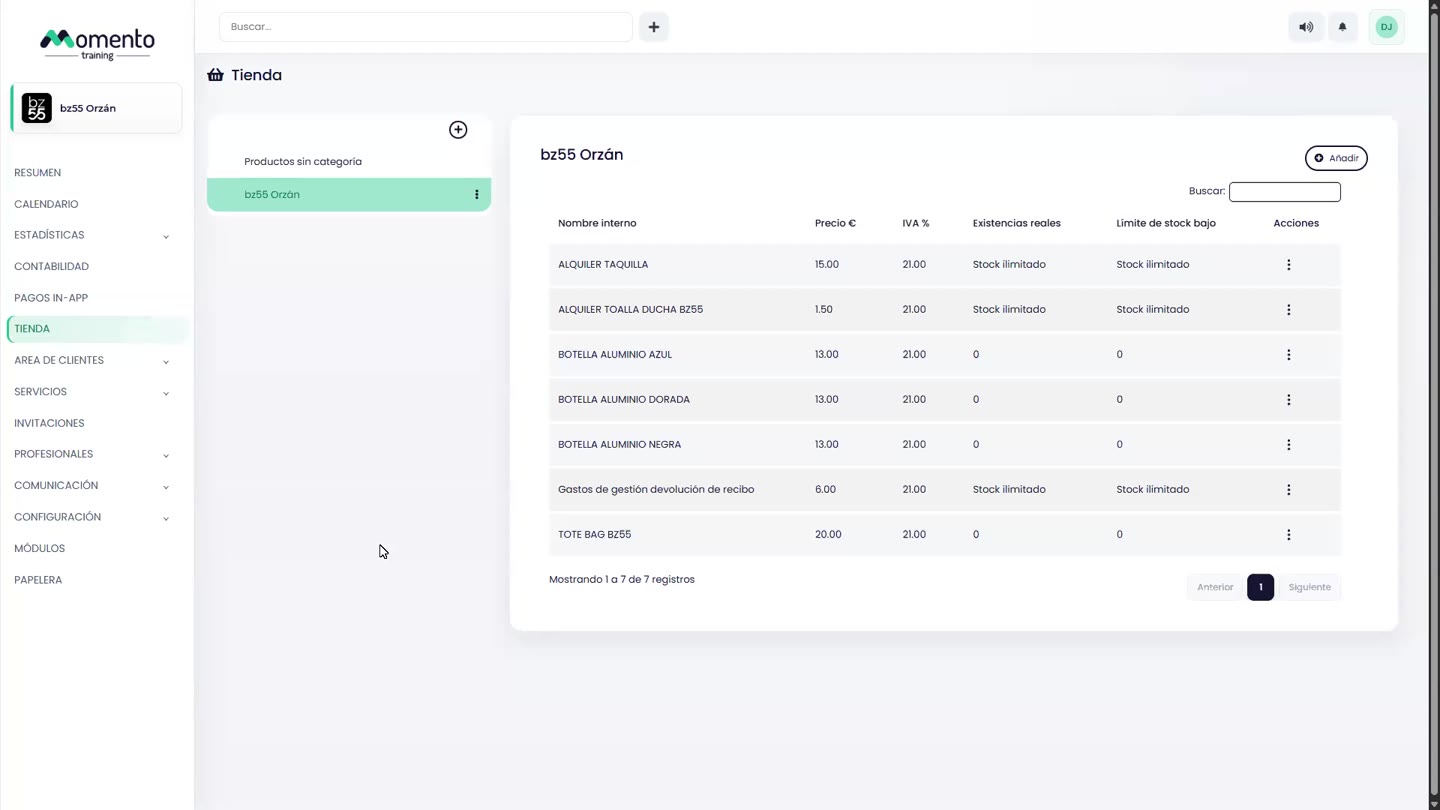
- Go to Store and click Add.
- In the New product window, fill in:
- Internal name: required. Only your team sees it.
- Visible name: the one your clients see.
- Category.
- Price, VAT and income tax withholding, if applicable.
- Barcode.
- Description.
- Visible in the app and Highlighted, if you want to sell it in the app.
- Stock (see Keep track of stock).
- Click Save changes.
Categories
The Store screen has one tab per category, plus Uncategorized products. You choose the category in each product's Category field. Categories also appear in the app, so your clients find things faster.
To edit or delete a product, use Edit or Delete in the list's Actions column.