Help Center
Keep track of stock
Know how many units you have left and when to reorder.

Written by MomentoNovember 6, 2026
In the product form:
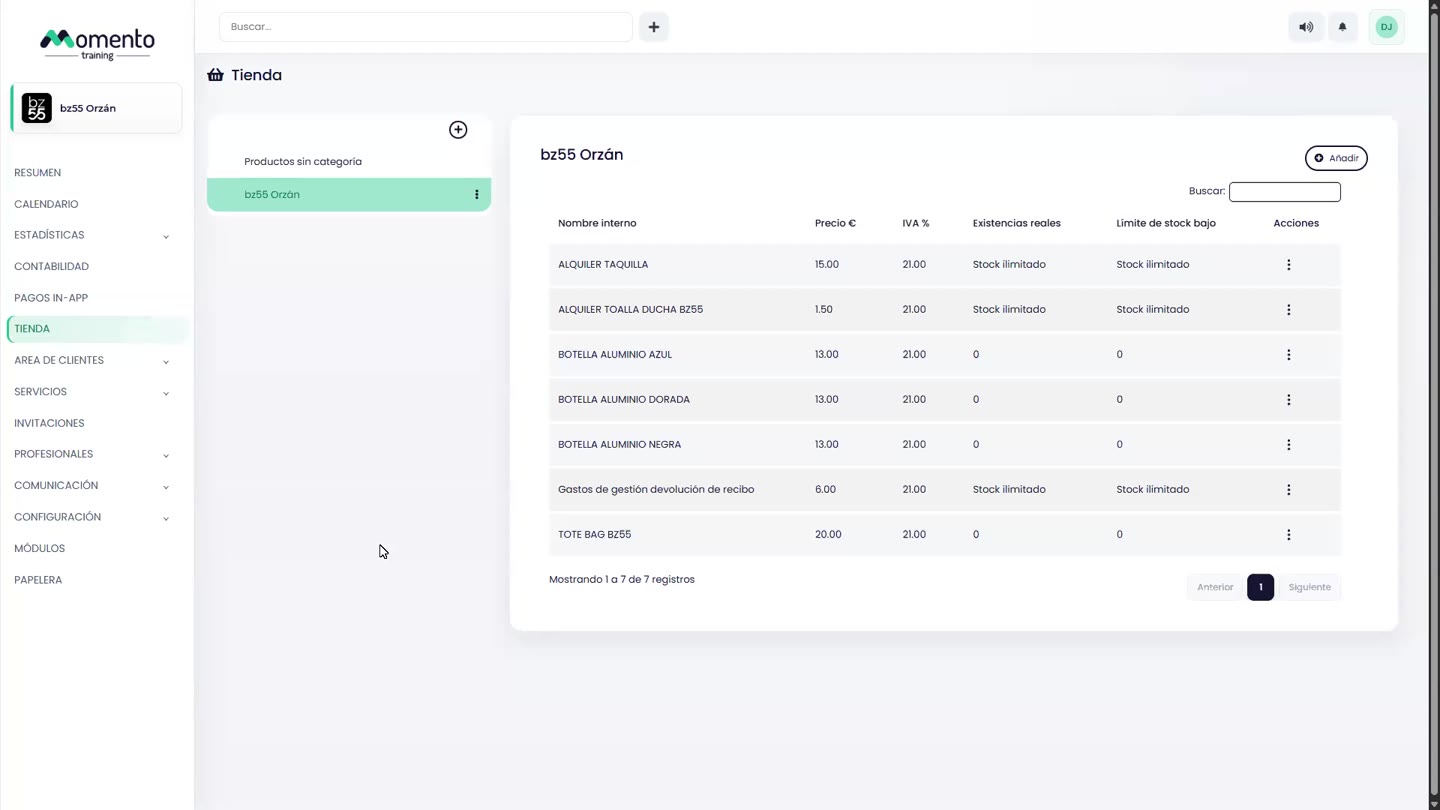
- Actual stock: the units you have now.
- Out of stock: marks the product as unavailable.
- Low stock limit: below this number, the product counts as "low stock".
Stock goes down automatically with each sale. Products below the limit appear in the Store block of the Overview.
Tip: set a realistic low stock limit (for example, 5 units) and check the Overview every week. That way you reorder before you run out.