Help Center
Change the professional on one or more classes
Cover holidays or a change of instructor.

Written by MomentoNovember 6, 2026
It depends on how many classes you want to change:
- One class: open it on the calendar, click Edit and change the professional.
- Several calendar classes: tick them with Selection and edit them all at once, changing the Assigned professional. See Change several sessions at once.
- Every class in a schedule: in Set schedules, select the sessions and click Change professional. Choose the new one under Select a professional to replace.
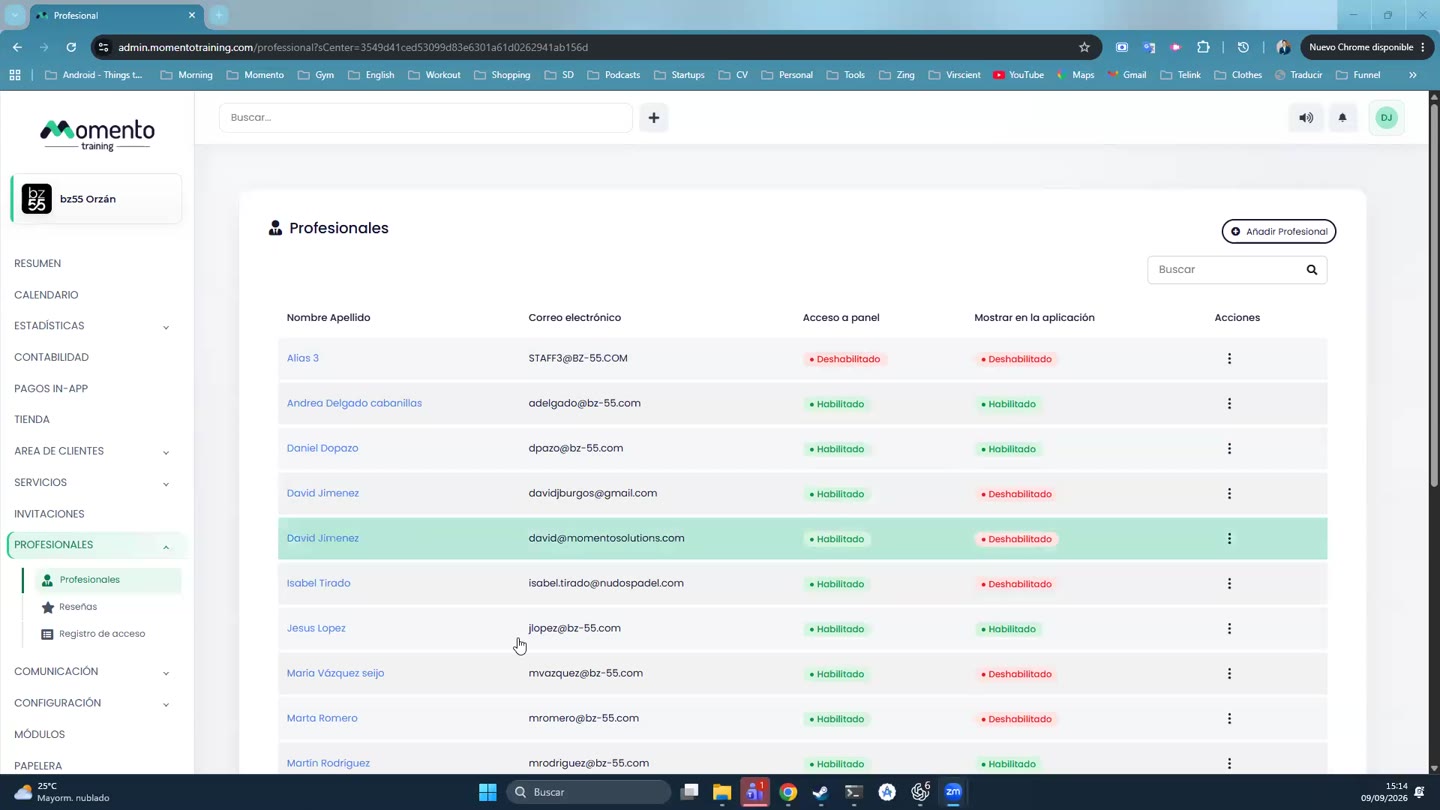
- A professional's whole agenda (for example, if they leave the center): from the Professionals list you can transfer their upcoming classes to someone else.
Momento won't let you make the change if the new professional already has another class at the same time.
Tip: if it's for holidays, it's better to record them as an absence and choose Replace professional. That way everything is on record.