Help Center
Change several sessions at once
Edit, block spots or sync lots of classes in one go.

Written by MomentoNovember 6, 2026
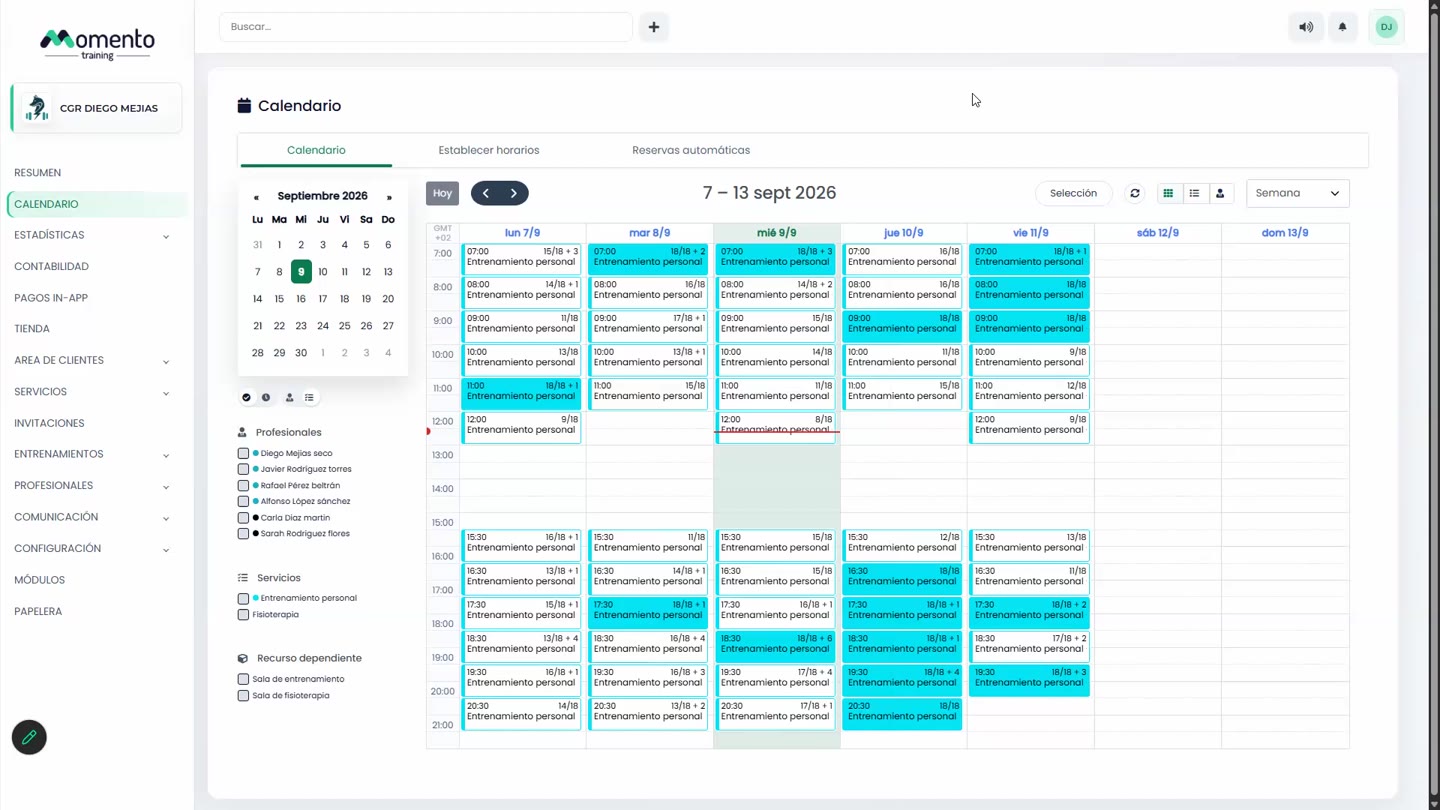
- On the calendar, click Selection.
- Tick the classes you want to change.
- Open Actions and choose what to do:
- Edit sessions: change service, professional, room or type.
- Block spots: set how many and the reason.
- Sync with Wellhub: enable the classes on Wellhub and set their maximum capacity.
- Merge classes: combine several classes into one.
- Delete.
To leave selection mode, click Selection again.
Important: before applying the change, check that only the right classes are ticked.