Help Center
Collect what a client owes
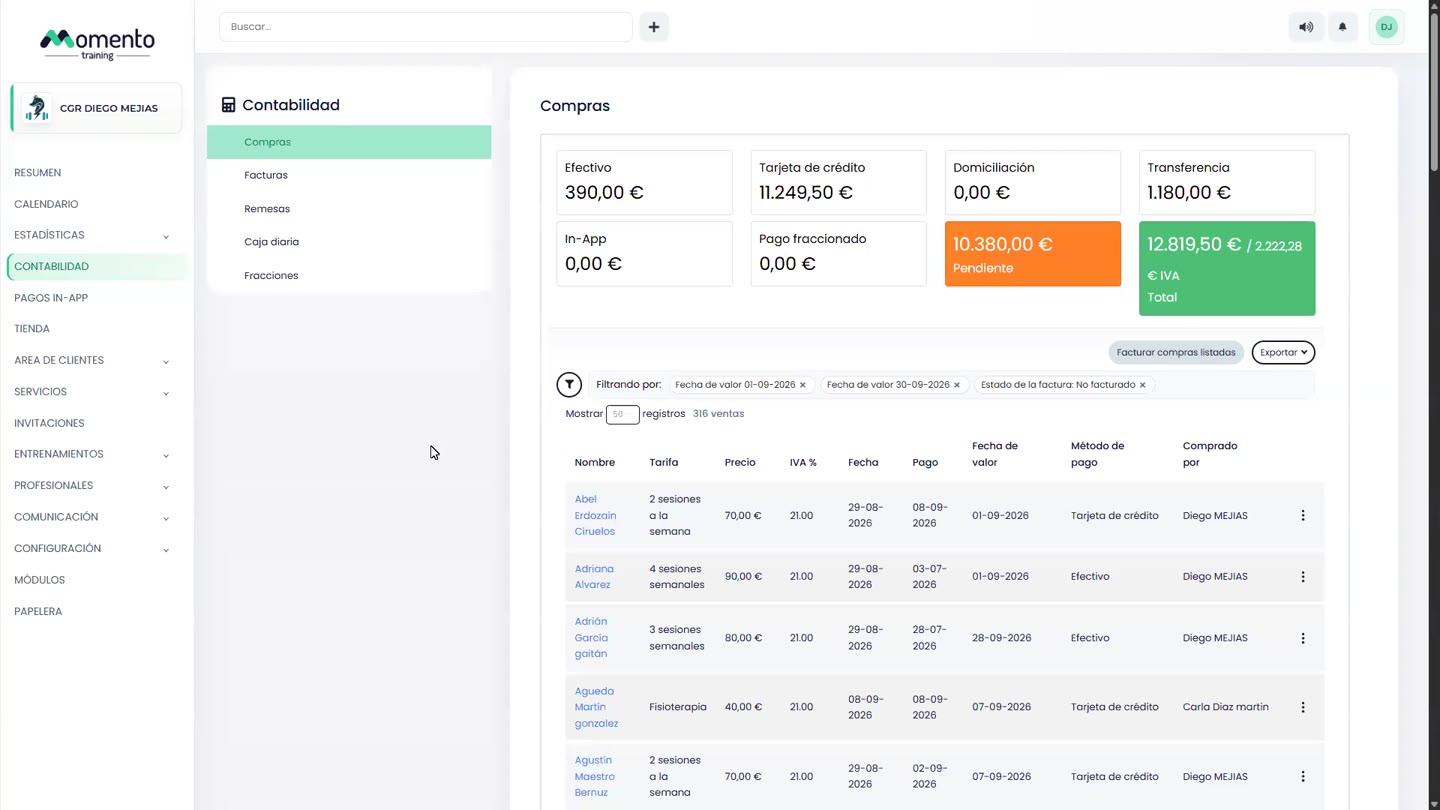
Check and collect a client's sales pending payment.

Written by MomentoNovember 6, 2026
- In the client file, go to the Purchases tab.
- Under Sales pending payment, select the sales you want to collect.
- Click Settle debt.
- Choose the payment method and confirm.
To invoice the sale right away, use Selected invoice.
Tip: to see everything your center is owed, check the Pending payment figure in the Accounting block of the Overview.