Help Center
Make a sale
Sell a membership, pack, program or product to a client from the panel.

Written by MomentoNovember 6, 2026
- Open the client file and click New sale.
- Under Select product, choose the membership, pack, program or store product.
- Check the Sales summary: price, VAT, discount and payment method. The Total to pay updates automatically.
- Click Process sale.
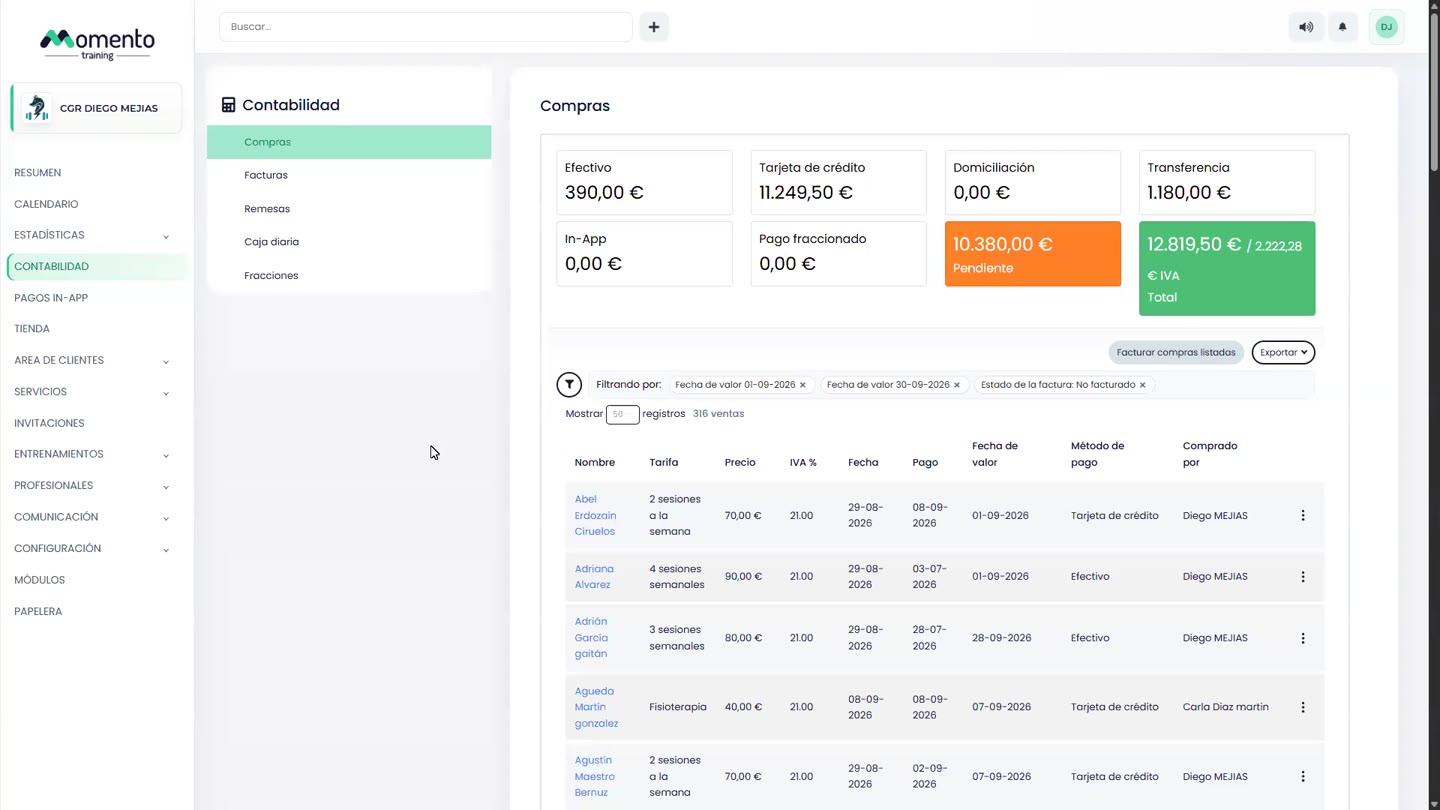
The sale appears in the client's Purchases tab, under Paid sales or Sales pending payment, depending on the payment method you chose.
Note: selling, changing the price and editing sales depend on each professional's sales permissions.