Help Center
Take attendance
Mark who came to each class.

Written by MomentoNovember 6, 2026
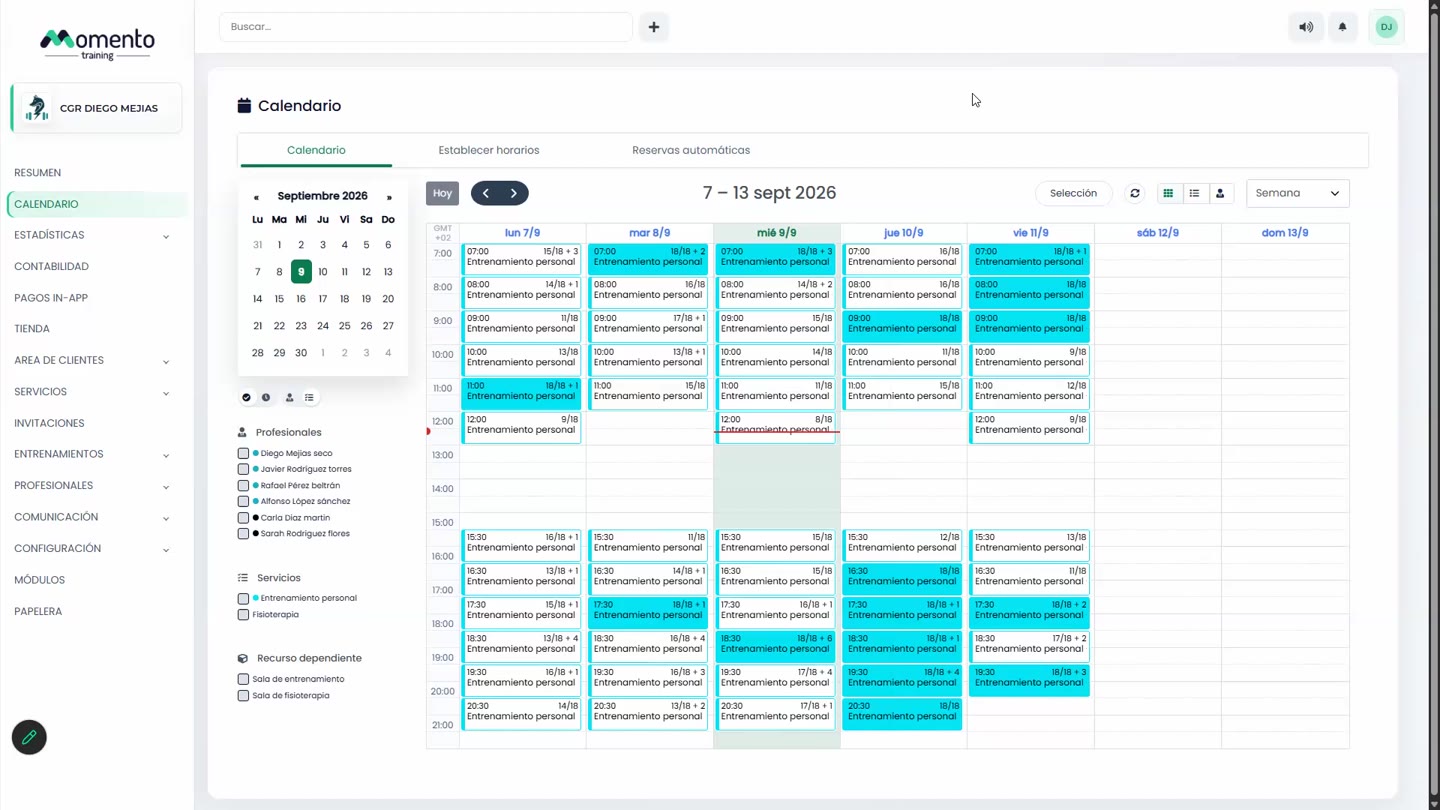
- Open the class on the Calendar.
- In the Attendance column, mark each client:
- Attended
- No-show
- Left during the class
If you want the professional to add a comment and the actual duration when taking attendance, turn on Ask for comment and duration when marking attendance in Advanced center settings.
Why taking attendance matters
- It feeds the Attendance block on the Overview and the attendance statistics.
- It can trigger CRM automations, such as a message when someone misses a class.
- It helps you spot clients who are starting to drop off.
Note: marking No-show doesn't give the session back to the client. The session counts as used.