Help Center
The waitlist
How clients get a spot when someone cancels, and how to set it up.

Written by MomentoNovember 6, 2026
When a class is full, clients can join the waitlist. If someone cancels, Momento lets the people on the waitlist know so they can take the spot.
How free spots are offered
You set this per service: Services › Services, open the service, Waitlist settings tab. You can choose:
- All at once: everyone on the waitlist is notified at the same time and the spot goes to the first to book.
- In booking order: clients are notified one by one, in the order they joined.
You can also:
- Set the time to accept a free spot (5 to 60 minutes).
- Prioritize clients without other bookings: puts first those with no other booking of the same service that day.
- Show the waitlist position in the app.
- Not allow a waitlist on that service.
Manage the waitlist from the panel
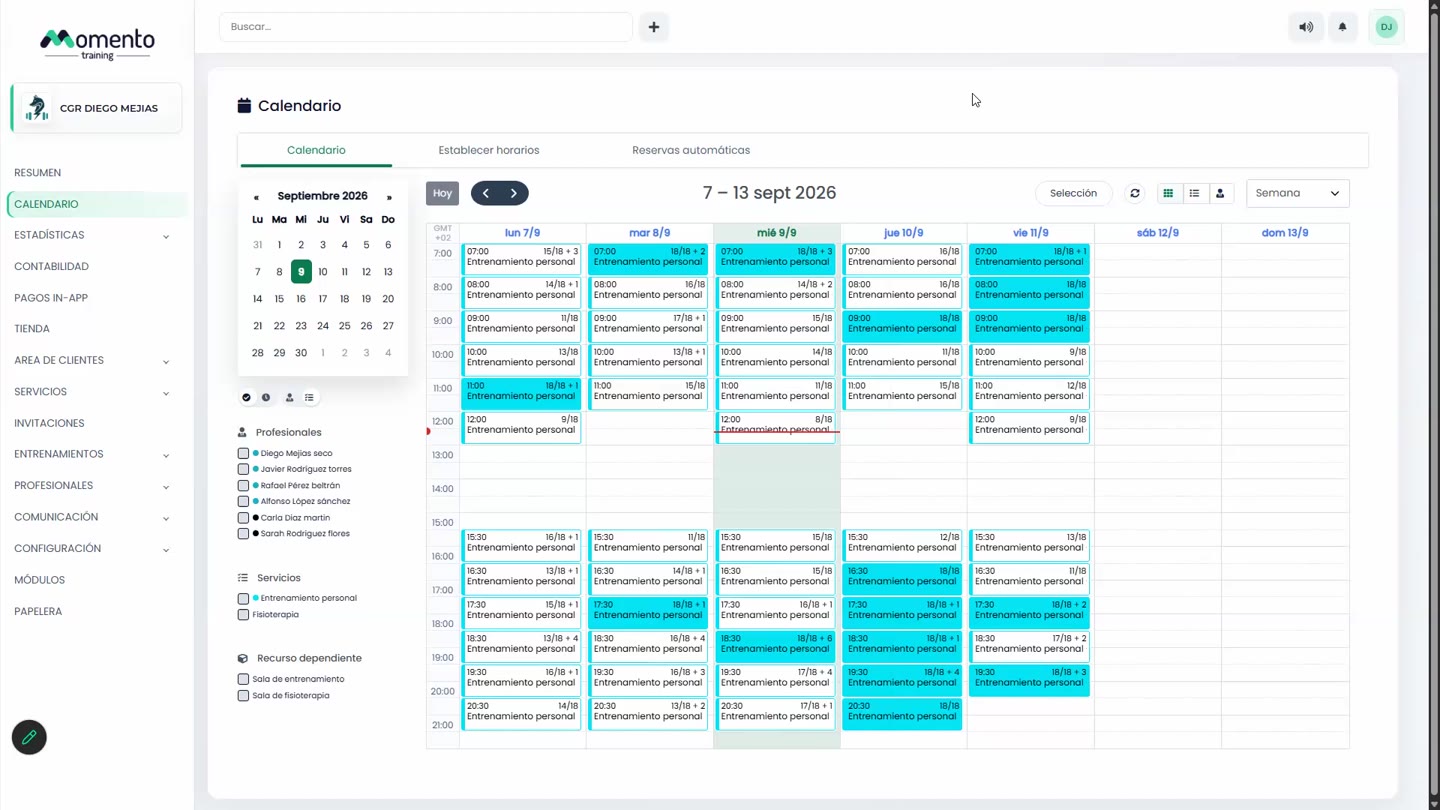
In the class's Waitlist tab you can see who's waiting, remove someone from the waitlist, or move them straight into the class with Book and remove from waitlist.
Tip: the waitlist works really well for popular group classes. For one-to-one services, it's sometimes easier to handle from reception.