Help Center
Create a membership
Monthly fees, session packs and trial classes.

Written by MomentoNovember 6, 2026
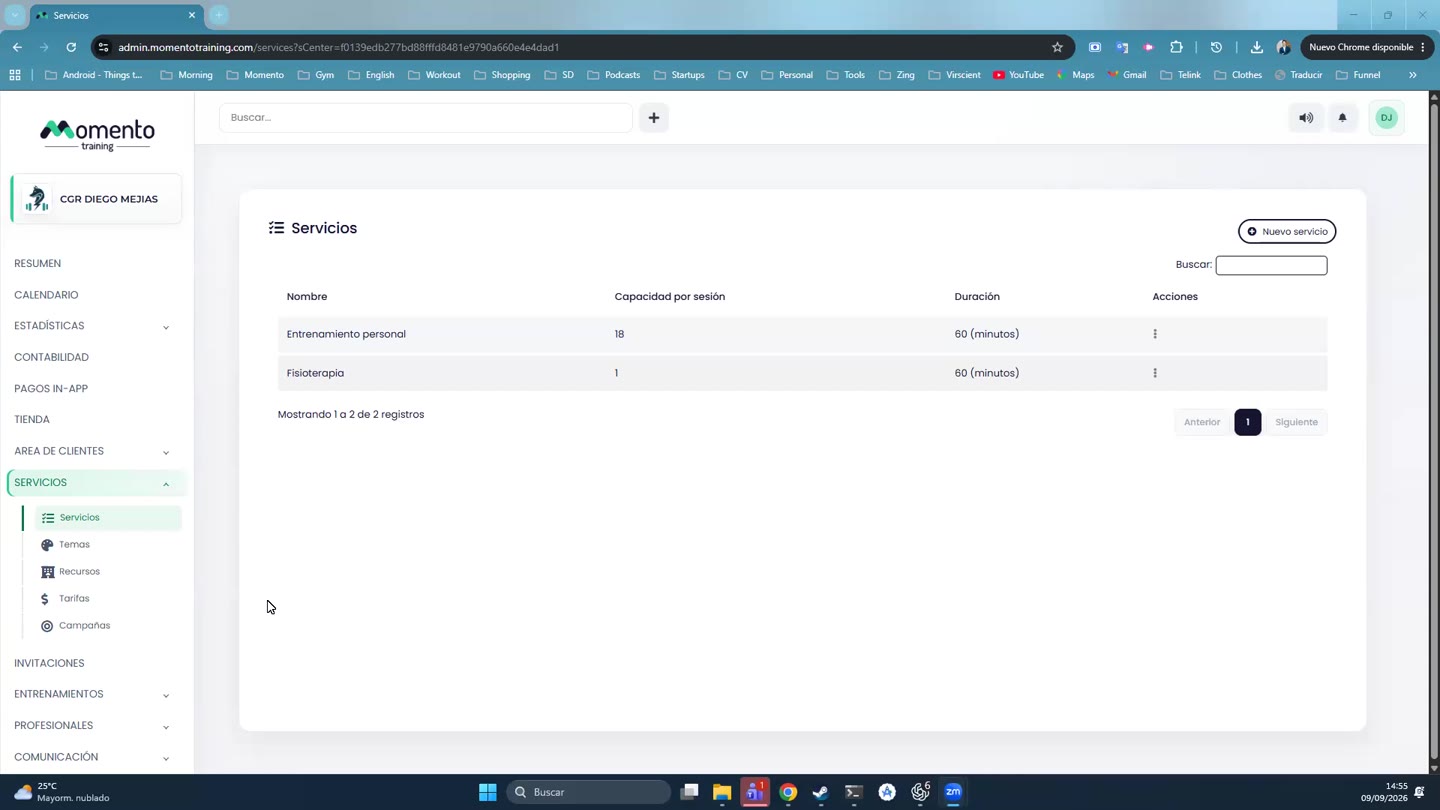
- Go to Services › Price tiers and choose the tier.
- Click New membership.
- Fill in:
- Membership name.
- Number of sessions or Unlimited sessions.
- Period and Number of periods: for example, 1 month.
- Type: membership fee, single session or trial session.
- Allow bookings from the first day of the month.
- Price, VAT and income tax withholding, if applicable.
- Save.
Tip: choose the Type carefully. Reports and the Overview separate trial sessions, single sessions and memberships, which helps you see where your revenue comes from.