Help Center
Publish news in the app
Share your center's news in the app.

Written by MomentoNovember 6, 2026
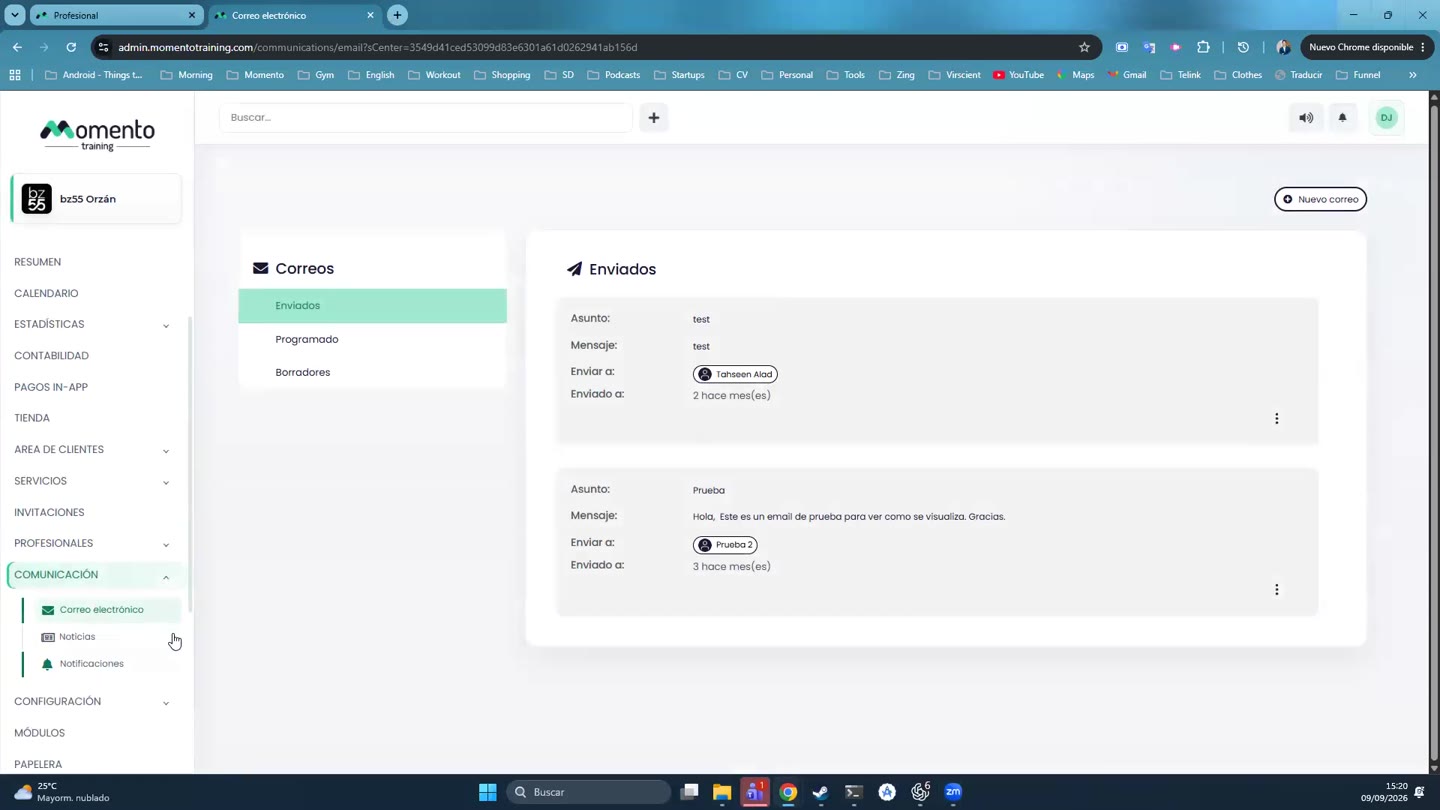
- Go to Communication › News and click New news.
- Fill in:
- Image.
- Title.
- Publication date.
- Sequence: the position it appears in.
- Short description.
- The content: a URL that opens a web page, or text written with the editor.
- Save.
Tip: a news item stays in the app; a notification reaches the phone straight away. If you want clients to know right now, publish the news and send a notification too.