Help Center
Schedule messages and save drafts
Prepare your emails and notifications in advance.

Written by MomentoNovember 6, 2026
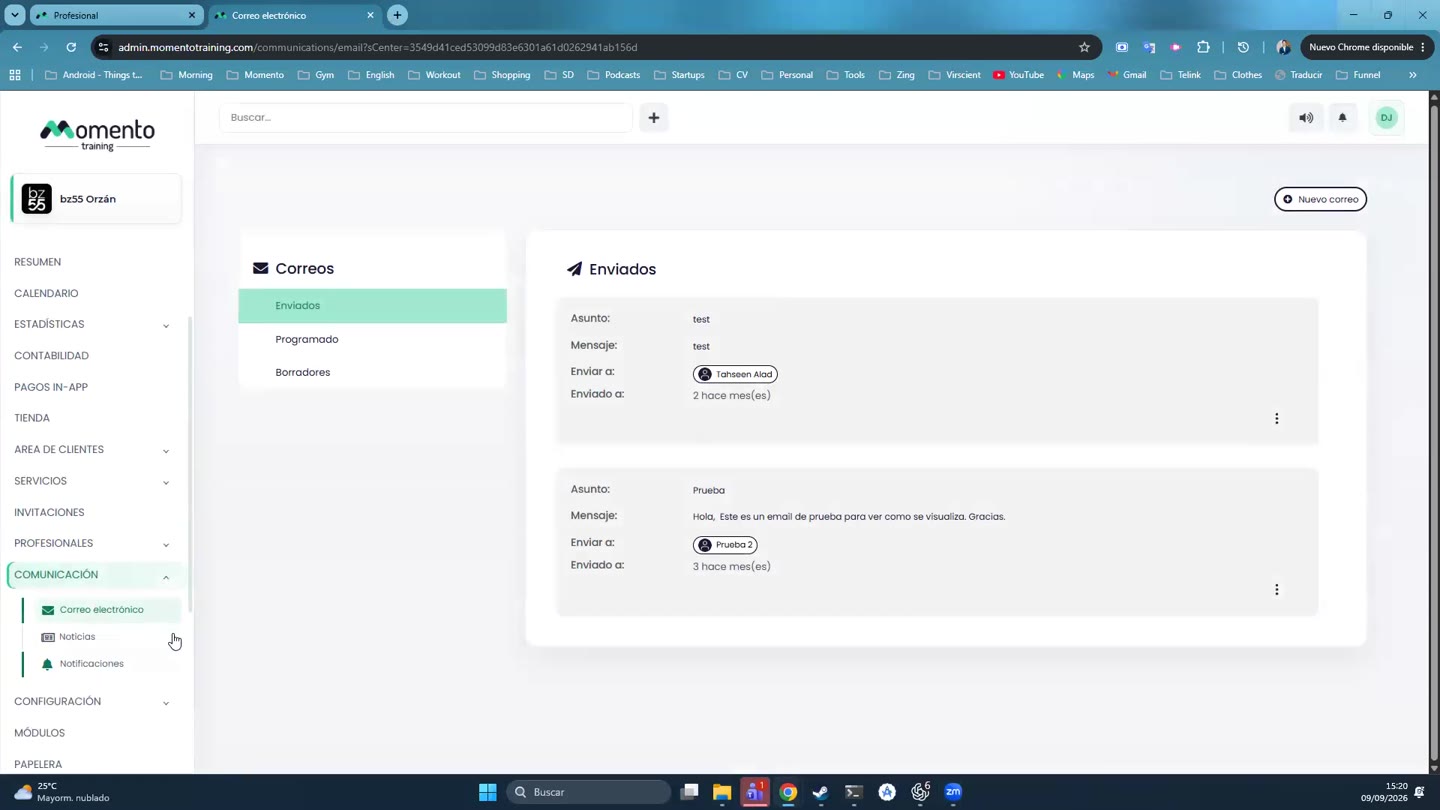
- Schedule: when writing the message, click Schedule sending and choose the date and time. It shows in the Scheduled tab until it's sent.
- Draft: click Save as draft. It stays in Drafts for you to finish later.
It works the same way for emails and notifications.