Help Center
Delete or cancel a session
Remove a class from the calendar and let booked clients know.

Written by MomentoNovember 6, 2026
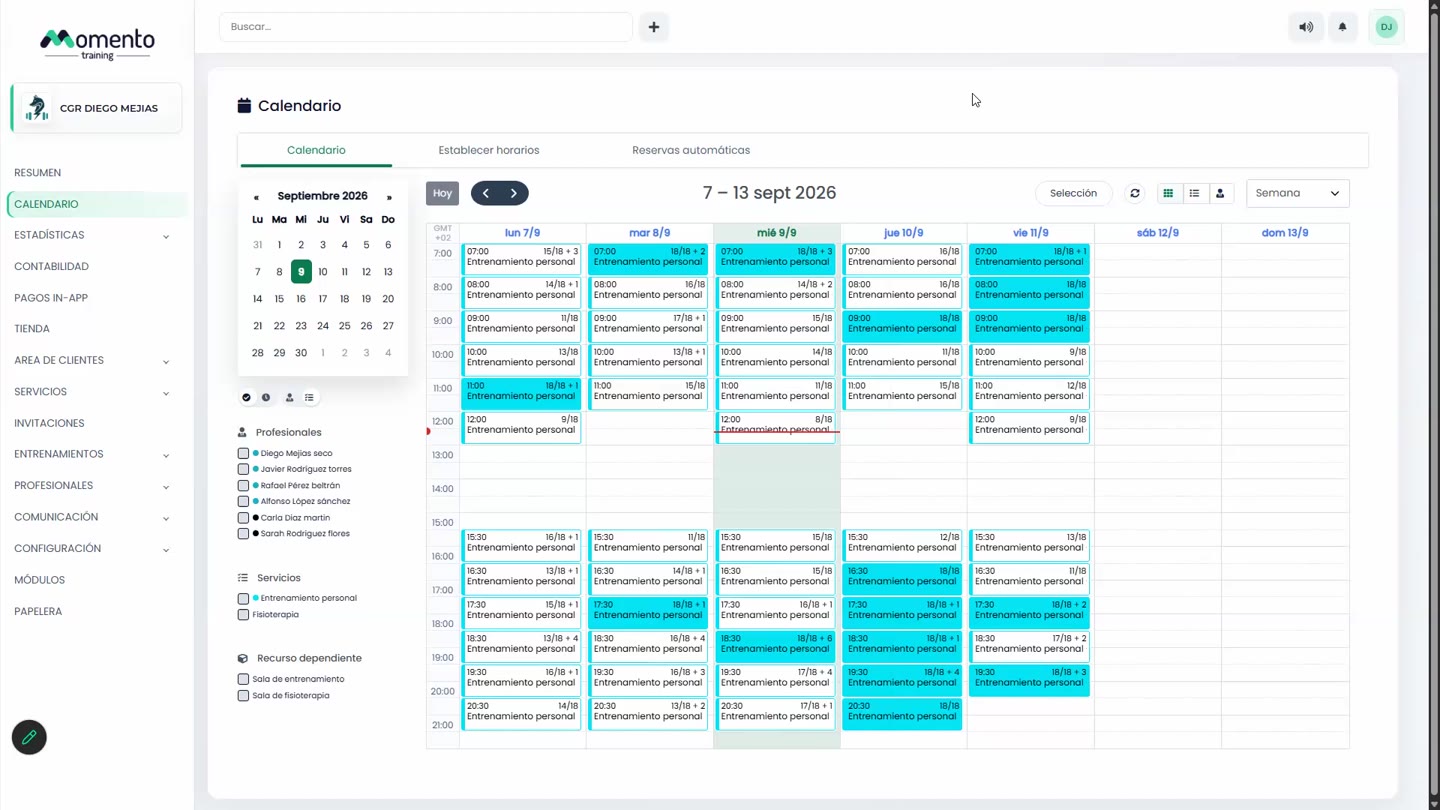
- Open the class on the calendar and click Delete.
- In the confirmation window you can:
- Tick Inform by notification to send an app alert.
- Tick Inform by email.
- Write the Cancellation reason, which clients will receive.
- Confirm.
Deleted classes are kept in the Recycle bin, Sessions tab.
Cancel or delete?
- Cancel a class when it was planned but won't happen (for example, the professional is ill).
- Delete a class when it was created by mistake or shouldn't exist.
Important: if the class comes from a schedule, deleting it from the calendar is only for a one-off change. If the change is permanent, change the schedule: see Change a schedule that's already published.