Help Center
Move or edit a session
Change the time, professional or capacity of a class that's already been created.

Written by MomentoNovember 6, 2026
Edit a session
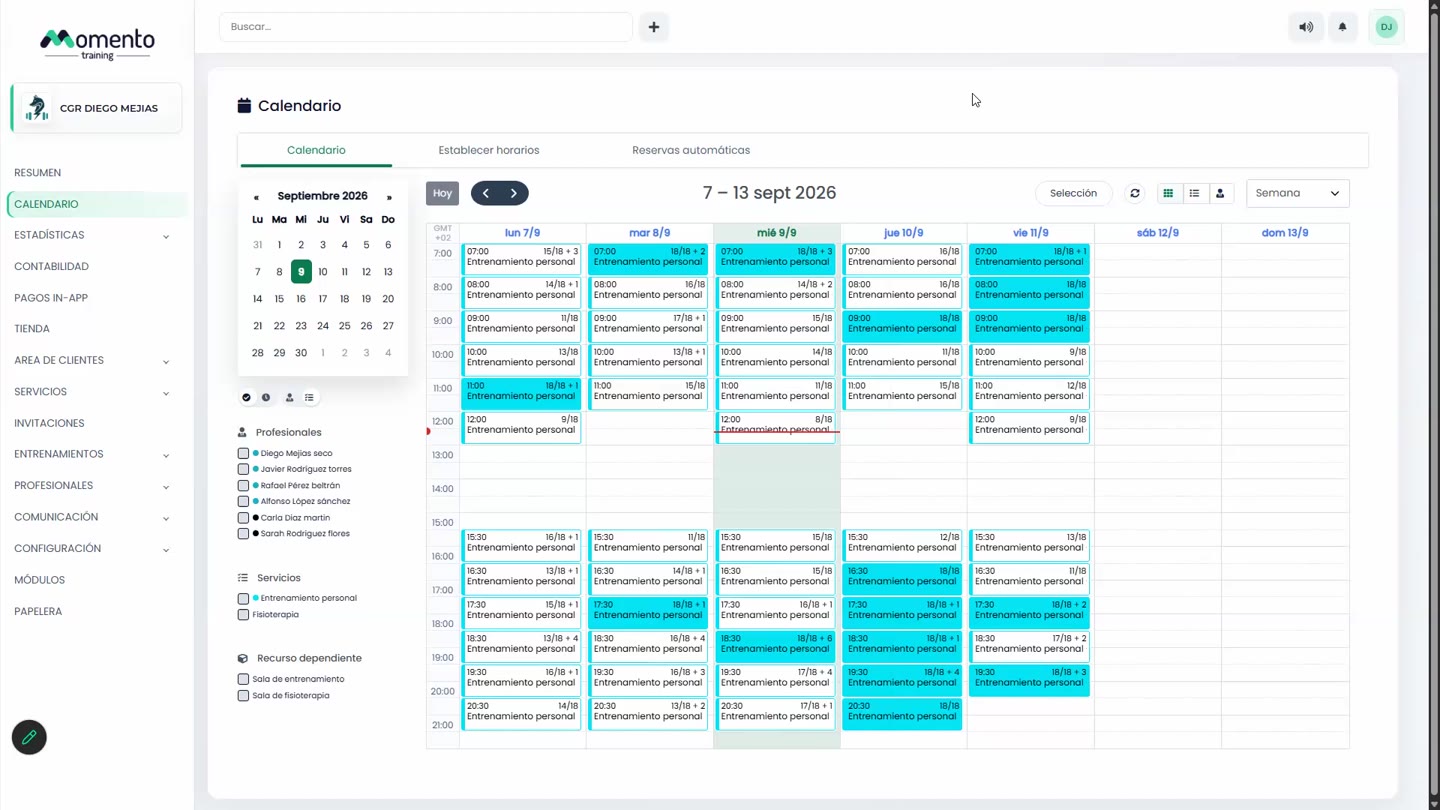
- Open the class on the calendar and click Edit.
- Change what you need: service, theme, capacity, date and time, duration, professional or room.
- Save. If the class comes from a schedule, Momento asks whether the change is for This class only or All upcoming classes.
Important: if you lower the capacity, it can end up below the bookings already made. Check the list first.
Move a session to another day or time
You can drag the class on the calendar or choose a new date and time when editing it. Momento asks what to do with the original slot:
- Keep the original slot open: it stays on offer as normal.
- Keep the original slot blocked: it shows as full and clients can only join the waitlist.
- Delete the original slot: it's no longer offered.
Tip: if the class has clients booked, let them know about the change. And if you're moving lots of classes, turn on Silent mode first so they don't get an alert for every change.