Help Center
Schedules and calendar FAQ
Classes not showing, public holidays, unconfirmed sessions and more.

Written by MomentoNovember 6, 2026
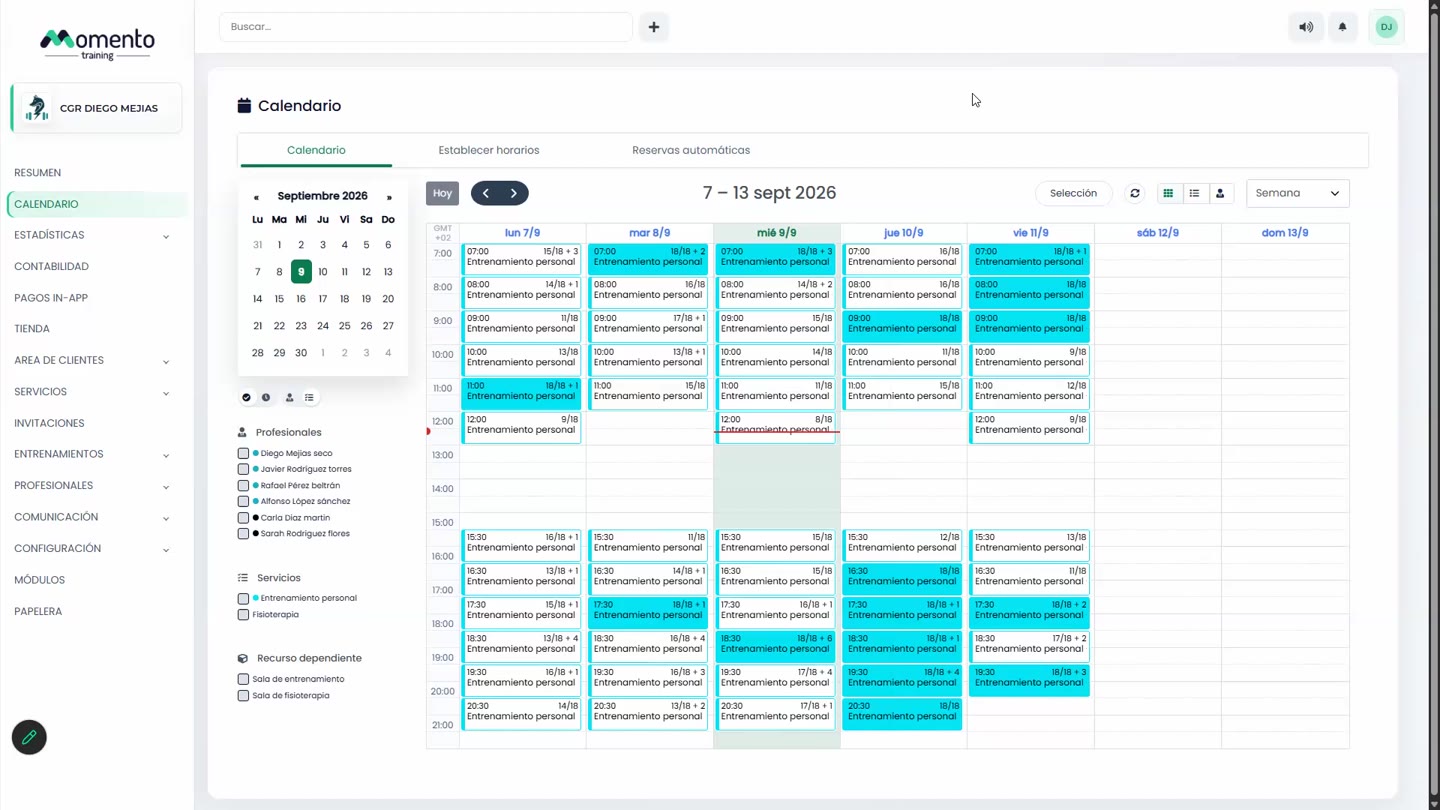
Why aren't the classes showing on the calendar?
Check these points:
- The schedule is published.
- Each class has a service and a professional, and is locked.
- No filters are active on the calendar.
- The service isn't set to hide classes with no bookings (see Hidden sessions).
- There are no open conflicts in the Conflicts tab.
How do I set public holidays?
In Center settings, Opening hours and holidays tab, add each year's holidays. The center will be closed on those days. See Opening hours and holidays.
Can I change a class on just one day without touching the schedule?
Yes. Change it directly on the calendar and choose This class only. See Move or edit a session.
Can I choose the theme when creating a session?
Yes. Turn on Theme selection when creating a new session in Advanced center settings.
What is an "unconfirmed" session?
It's a class offered as an option. It's useful when a professional could teach different services at the same time and you want bookings to decide: when one of the options gets a booking, the others are blocked. Most centers only use confirmed classes.