Help Center
Create a one-off session
Add a class or appointment outside the weekly schedule, without changing the schedule.

Written by MomentoNovember 6, 2026
Use a one-off session when you want to add a class on a specific day: a workshop, an extra class, an appointment.
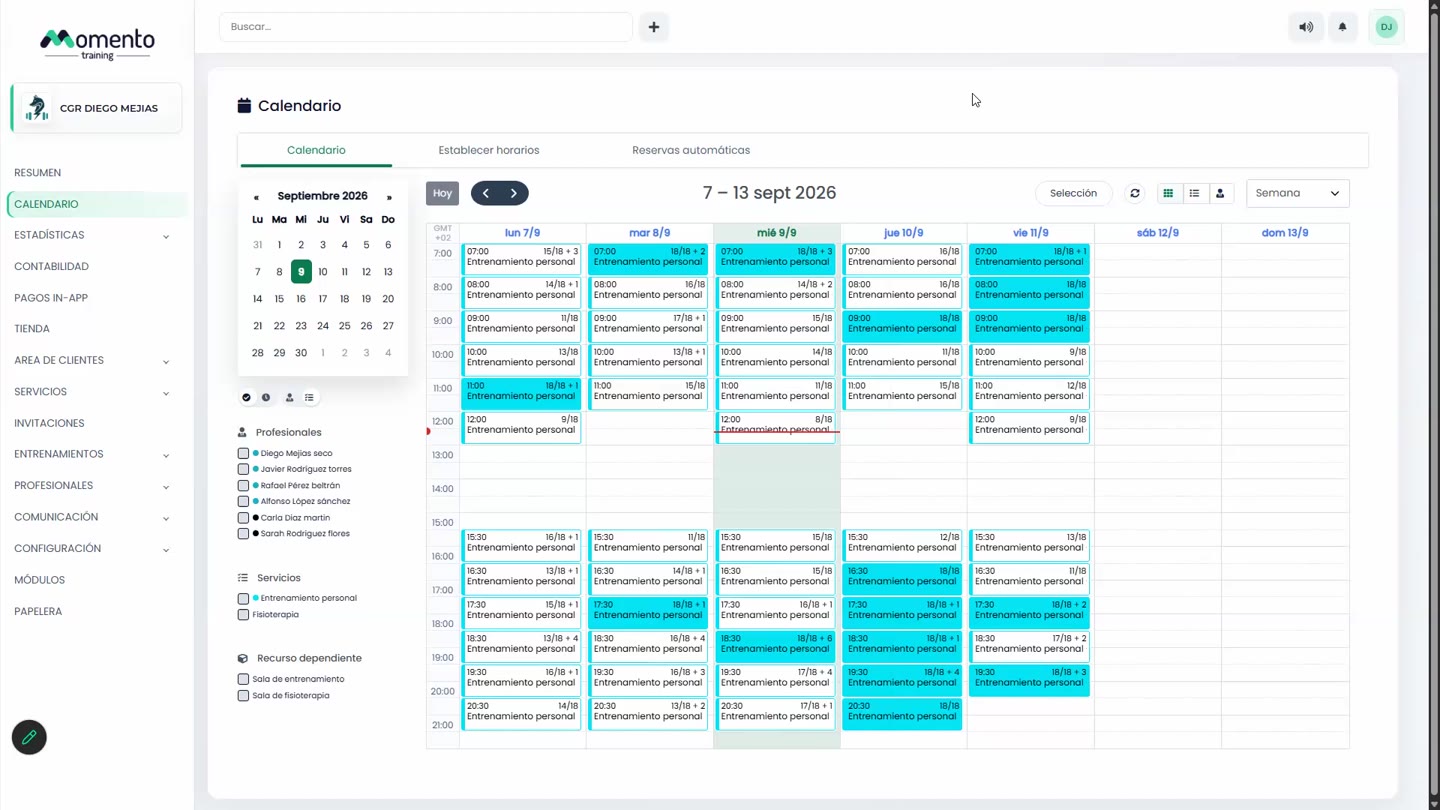
- On the Calendar, click the empty slot for the day and time you want.
- In the New session window, fill in:
- Type: service session.
- Service and, if you use them, Theme.
- Day, Start and Duration.
- Capacity: number of spots.
- Assigned professional.
- Resource or space.
- If you like, add an internal or external description under Advanced settings.
- Click Save changes.
This session doesn't belong to any schedule, so it isn't affected if you unpublish or split a schedule.
Important: if you want a new class every week, don't create one-off sessions one by one. Add it to the schedule.
Block out a time slot on the calendar
From the same window you can choose the Block type. It marks a time slot as unavailable: a professional's meeting, room maintenance… It isn't a bookable class.
If what you want is fewer people in a class, don't use a block: block spots instead.