Help Center
Block spots
Hold spots in a class without assigning them to any client.

Written by MomentoNovember 6, 2026
Blocking spots is useful to hold places for clients who book by phone, or to reduce a class's capacity on a specific day.
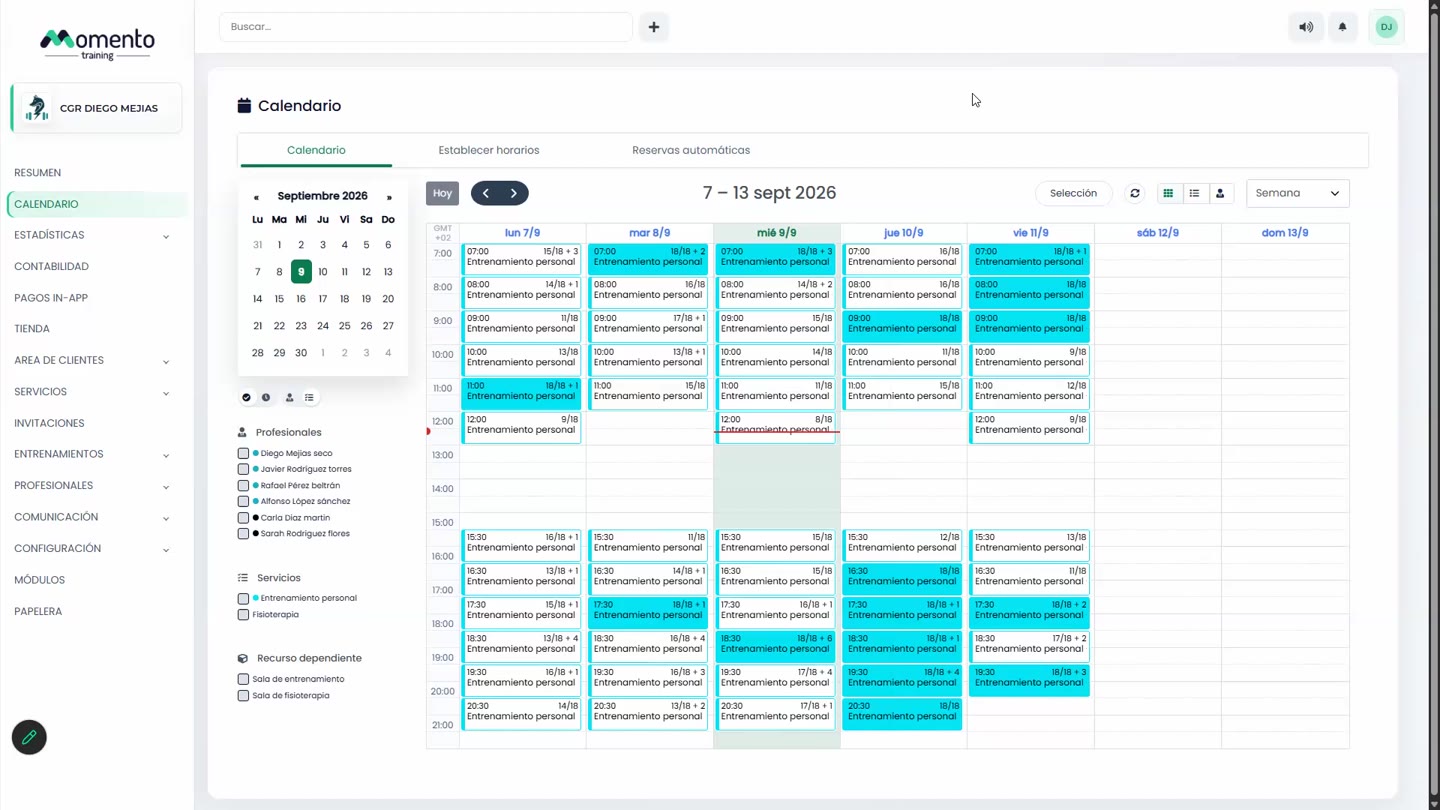
In a single class
- Open the class on the Calendar.
- Click Block a spot.
In several classes at once
- Click Selection and tick the classes.
- Under Actions, choose to block spots.
- Enter the Number of spots to block and, optionally, the Reason.
- Click Apply blocked spots.
Tip: to release blocked spots in several classes, repeat the steps and enter 0.