Help Center
Hidden sessions and merging classes
Find the classes that only appear once they have bookings, and combine two classes into one.

Written by MomentoNovember 6, 2026
Hidden sessions
Some classes only appear on the calendar once someone books. This keeps the calendar free of empty classes when you offer lots of services.
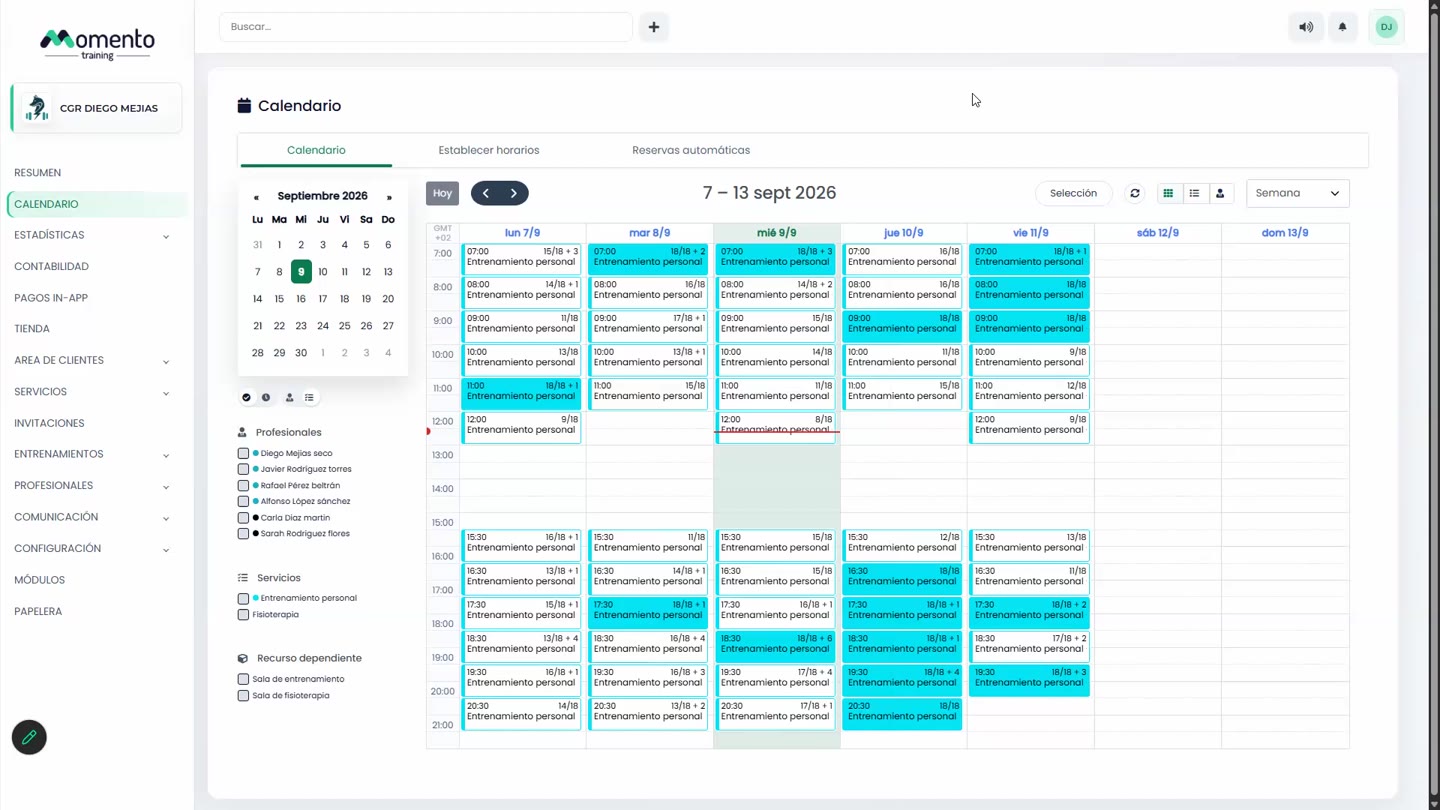
To see them, click Filter classes and tick Hidden sessions. We recommend filtering by date and service first.
Merge classes
If two classes of the same service overlap, you can combine them:
- Select them with Selection.
- Under Actions, choose the merge option.
- Confirm with Merge classes.