Help Center
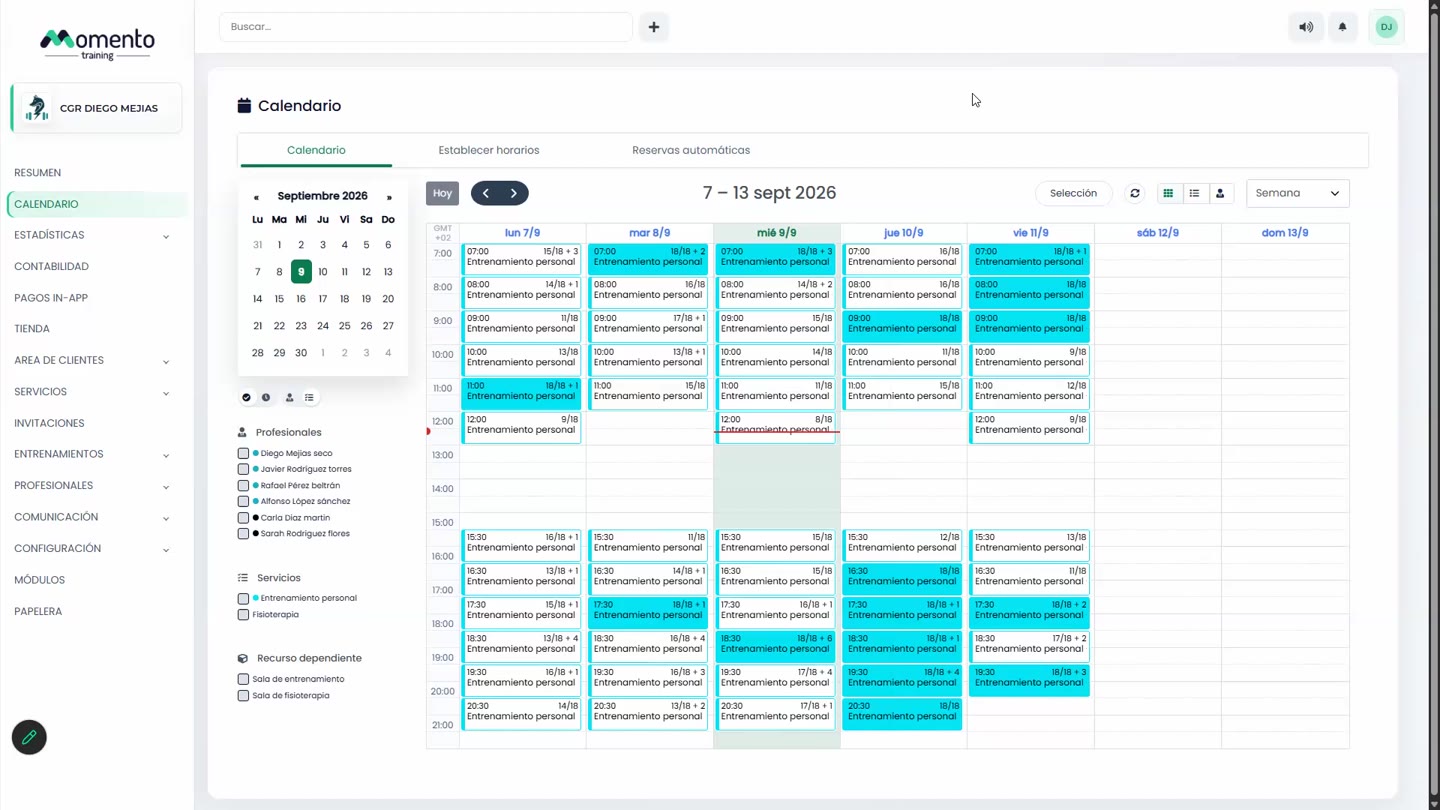
Filter the calendar
Show only the classes of one professional, service or room.

Written by MomentoNovember 6, 2026
If your center has lots of classes, filtering helps you see only what you need.
- Click Filter at the top of the calendar (or use the filters on the left).
- Tick the Professionals, Services or Resources you want to see.
The button shows how many filters are active.
Tip: if the calendar warns you it can't show every class, filter by professional or service. It loads faster and is easier to read.