Help Center
Price tiers
Group your memberships by type of client or service.

A price tier is a group of memberships. Each client belongs to a price tier and sees that group's memberships in the app. For example: General, Founders, Physiotherapy, Corporate.
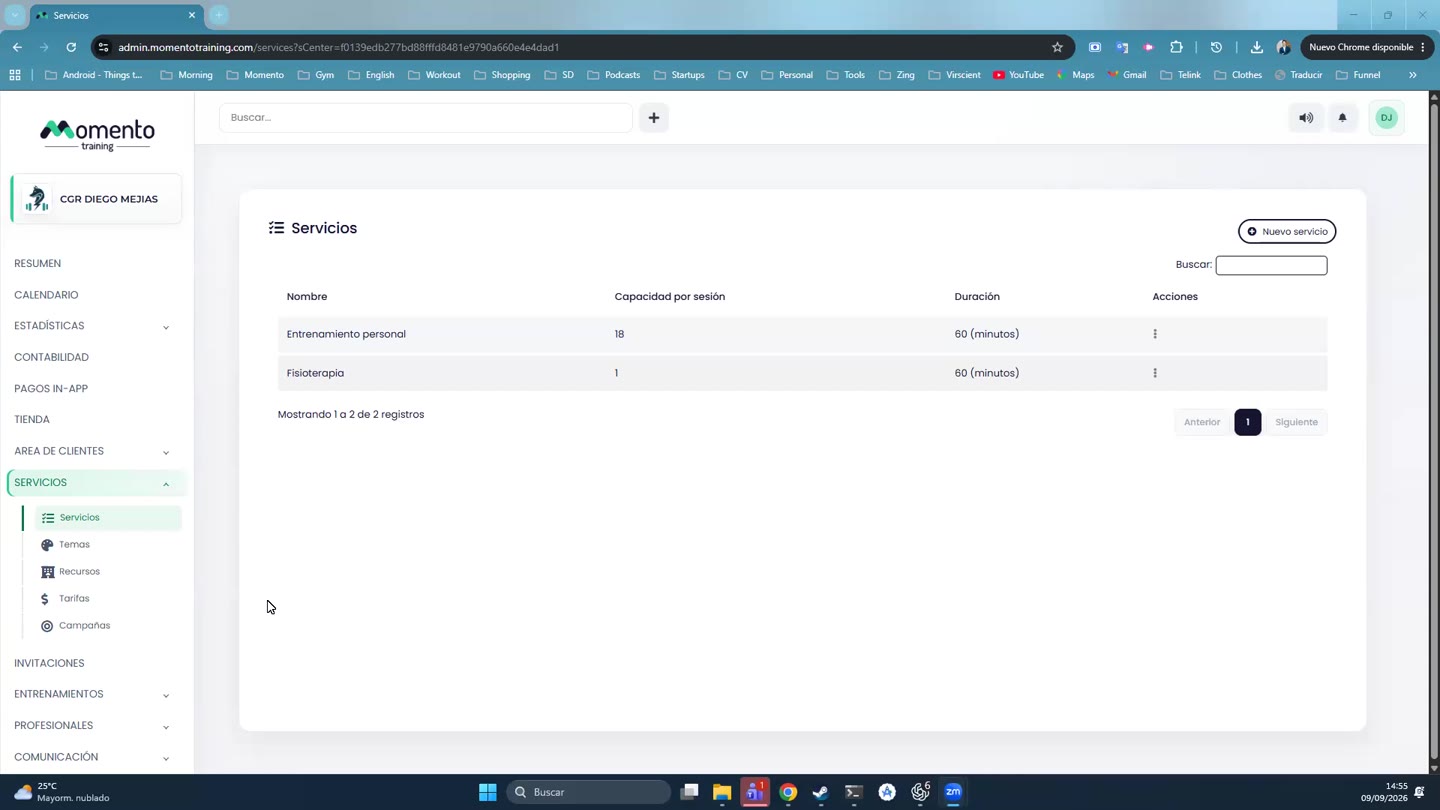
Go to Services › Price tiers. Each tier has its own tab with these options:
- Edit the name.
- Default: new clients join this tier.
- Delete.
The table shows each membership with its name, sessions, period, price, VAT and whether it's available in the app.
Click a membership's client count to see who has it, with their validity dates. From that list you can email them, send a notification, add them to a funnel or export them.
Important: if you create a special tier (for example, Founders), check two things: that the clients have that tier in their file, and that the services accept it.