Help Center
Themes
Describe what each class is about without creating another service.

Written by MomentoNovember 6, 2026
A theme is like a "flavor" of a service. For example, the Pilates service can have the themes Pelvic floor, Mobility or Healthy back. Clients see it in the app and know what the class will focus on.
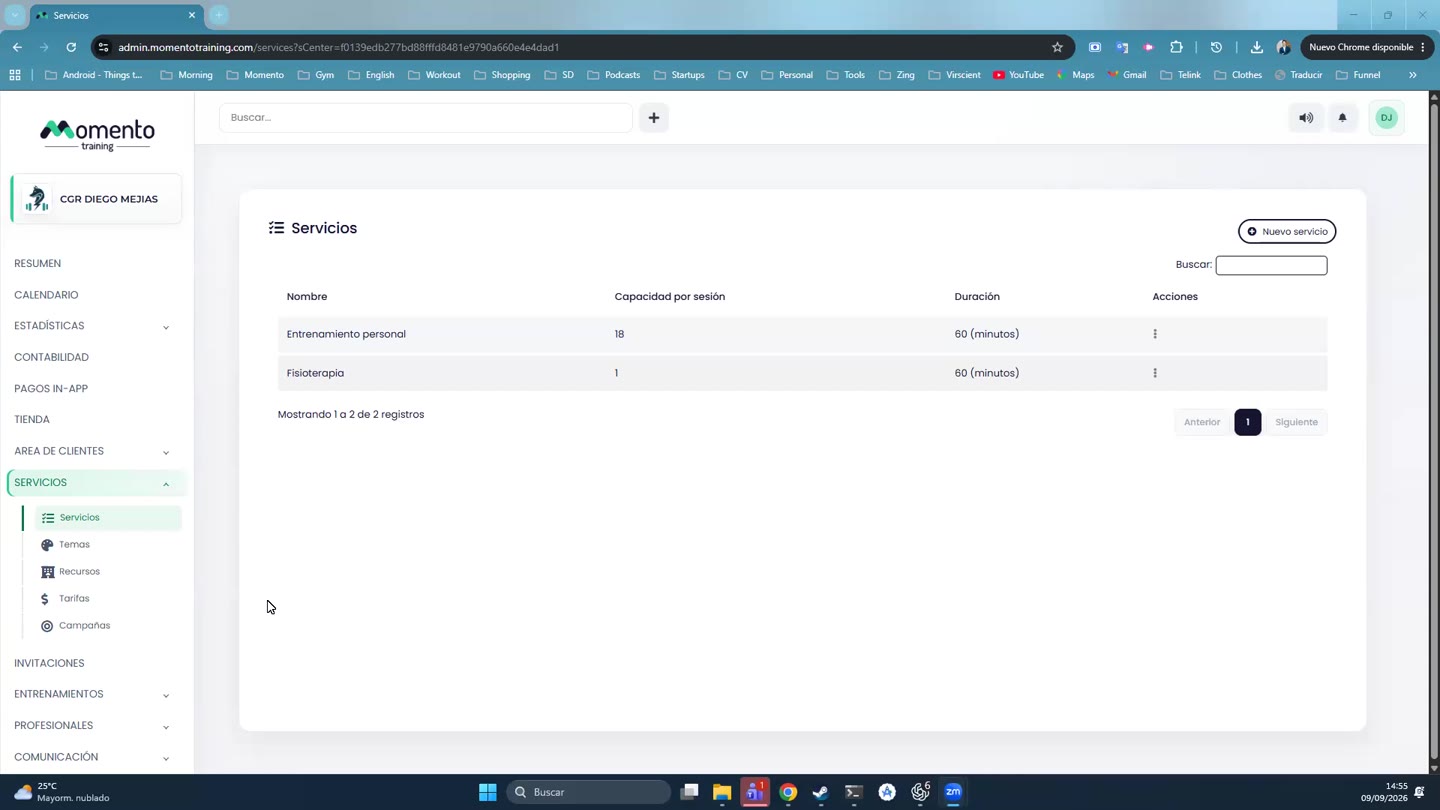
- Go to Services › Themes and click New theme.
- Fill in the Name, Description, the Services it applies to, the Color and an Image.
- Save.
You can then pick the theme when editing each class. To pick it when creating a class too, turn on Theme selection when creating a new session in Advanced center settings.
Theme or new service?
- If only the focus of the class changes, use a theme.
- If the capacity, duration, pricing or booking rules change, create another service.