Help Center
Create a service
Set up a class or type of appointment your clients can book.

Written by MomentoNovember 6, 2026
A service is what your clients book: a group class, personal training, a physiotherapy session…
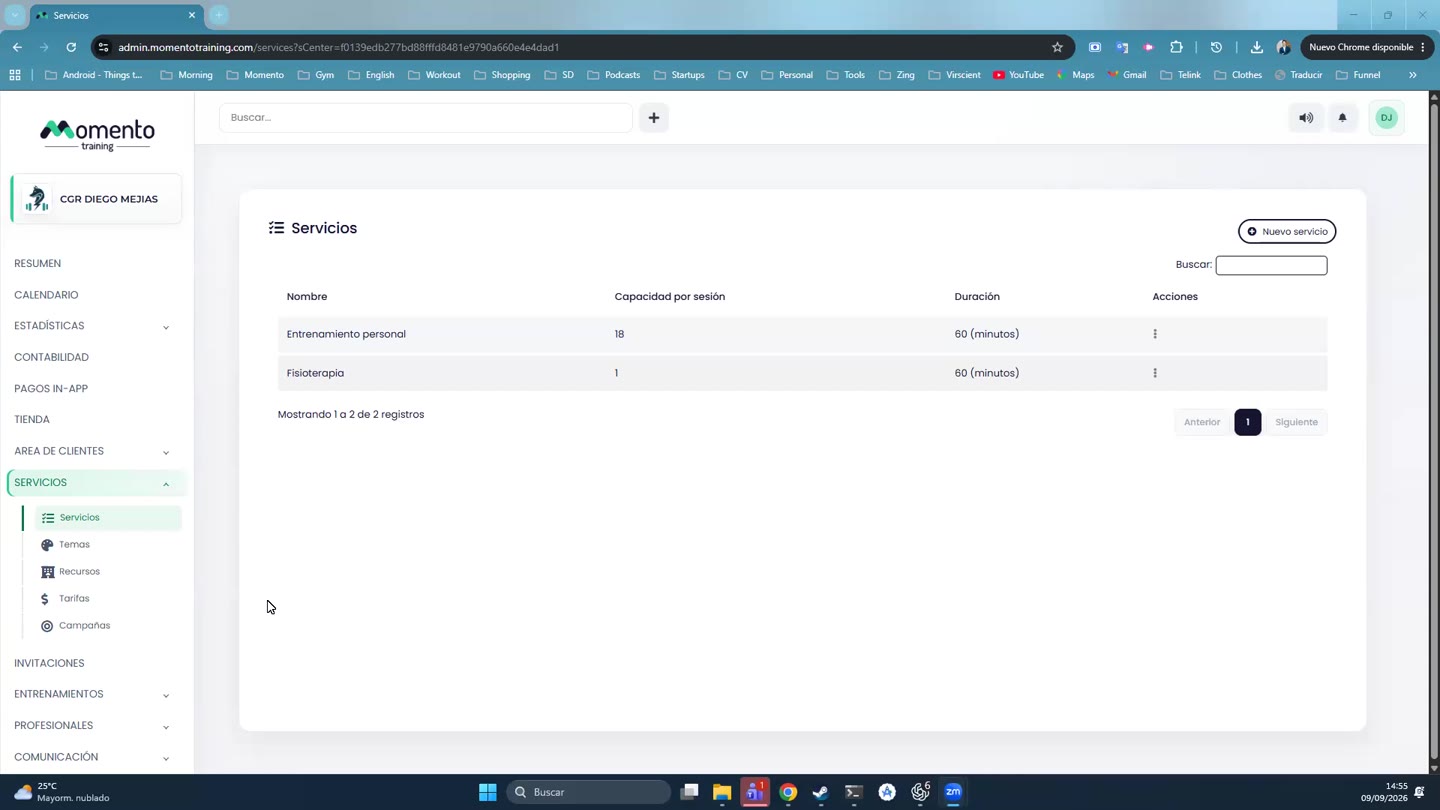
- Go to Services › Services and click New service.
- Fill in:
- Name: something clients understand without explanation. For example, "Reformer Pilates" or "Physiotherapy".
- Capacity per session: how many people can book each class. For one-to-one services, 1.
- Color: how it looks on the calendar.
- Duration in minutes.
- Price tiers: the tiers whose memberships can be used to book it.
- Send WhatsApp reminder, if you have the WhatsApp module.
- Wellhub product, if you work with Wellhub.
- Click Save changes.
Name, capacity and price tiers are required.
Important: a service with no price tier linked can't be booked with any membership.
Booking rules, the waitlist and notifications are set afterwards, in the service's tabs. See Booking and cancellation rules.