Help Center
Rooms and resources
The rooms, treatment beds or machines your classes use, so they don't overlap.

Written by MomentoNovember 6, 2026
A resource is a room or piece of equipment a class uses: Room 1, Treatment bed 2, _Reformer_… It stops two classes using the same space at the same time.
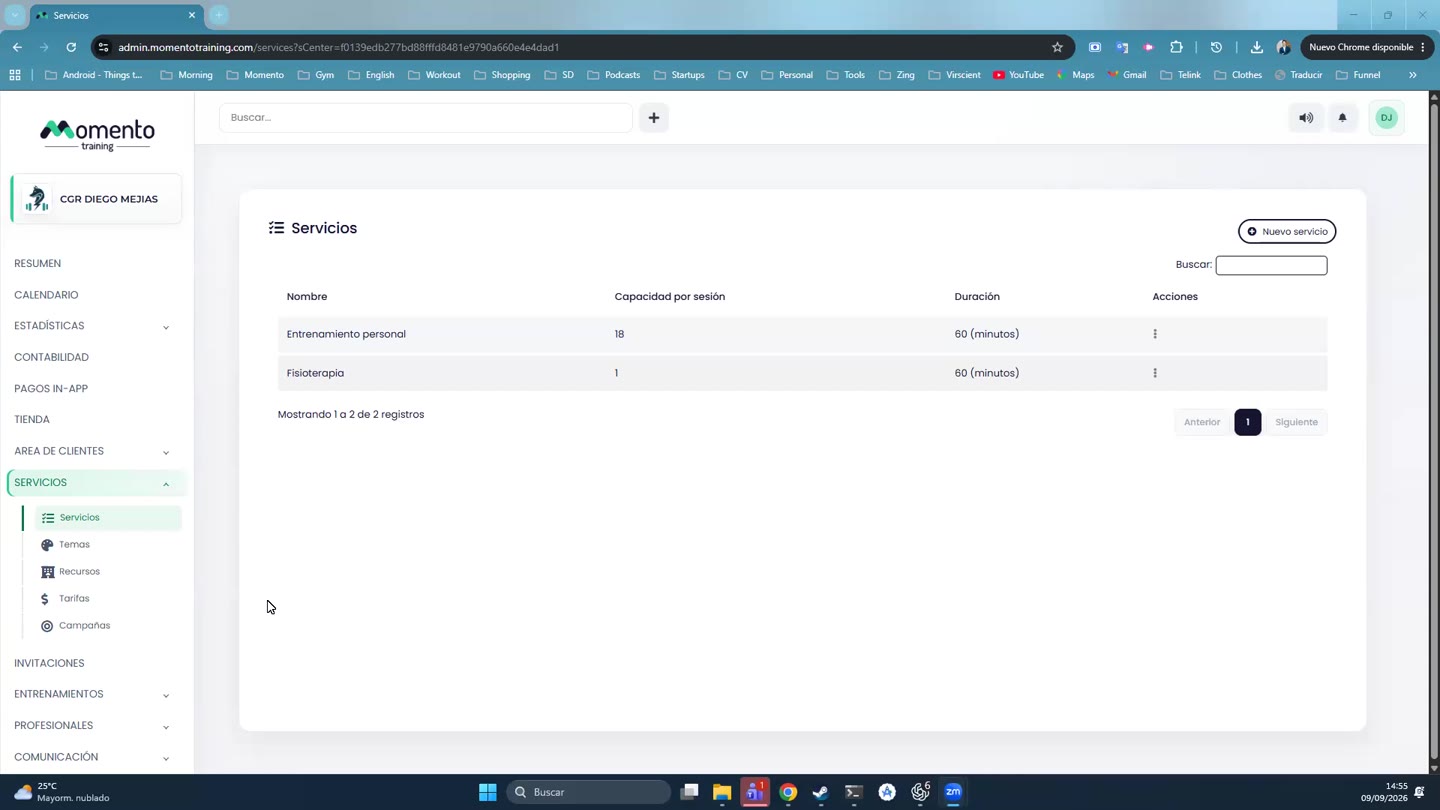
- Go to Services › Resources and click New resource.
- Enter the Name. Be specific: "Physio box 1" is better than "Room".
- Tick Multiple use only if several classes can use the resource at the same time (for example, a large room with two small groups). A treatment bed or a machine can't.
- If you like, set the Location under the advanced options.
- Save.
Resources are assigned to each class in the schedule. If a resource is busy, you'll see a conflict.