Help Center
Campaigns and promo codes
Discounts for a group of clients or with a code.

Written by MomentoNovember 6, 2026
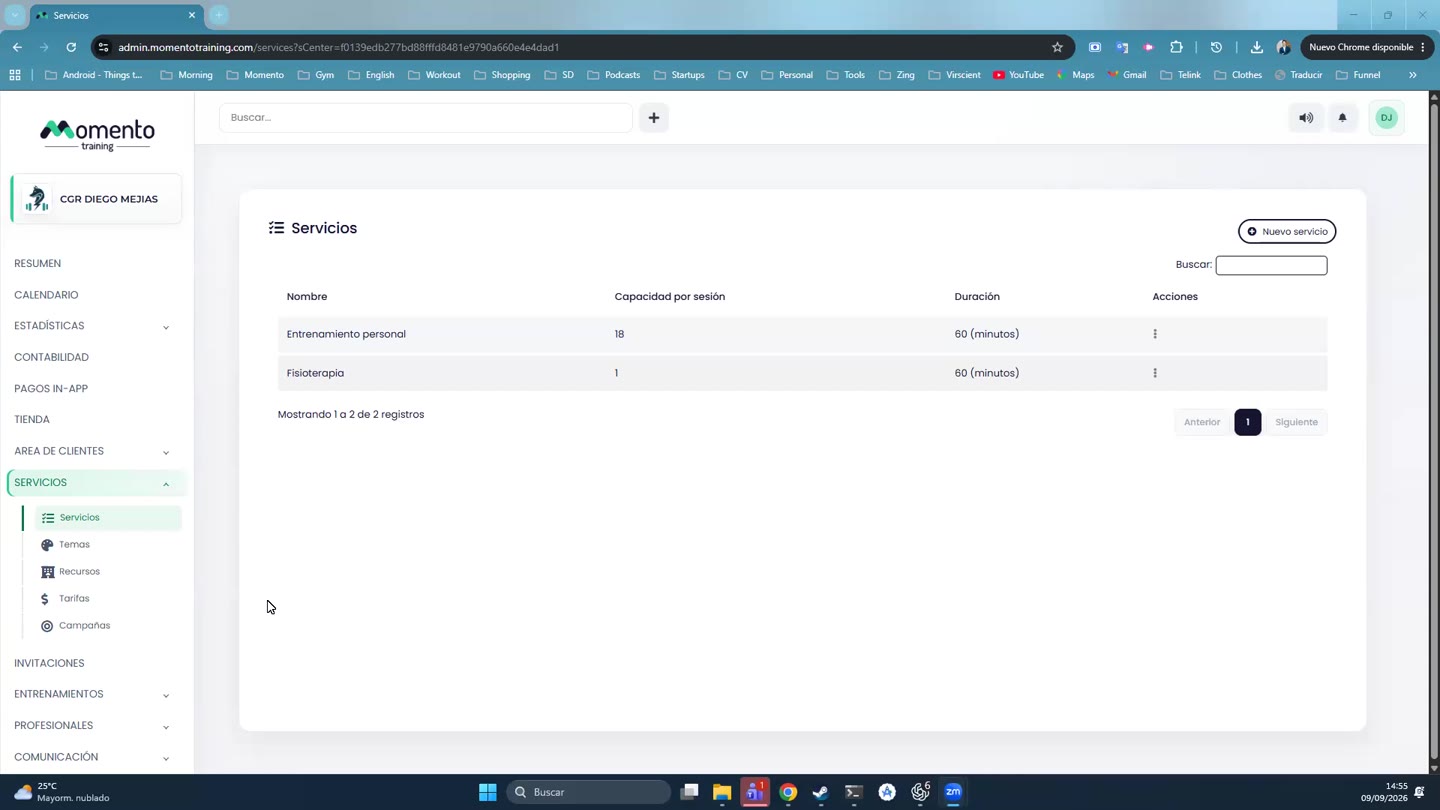
- Go to Services › Campaigns and click New campaign.
- Fill in:
- Campaign name.
- Audience: specific clients (or a smart list), or anyone with the Promo code.
- Usage limit for the campaign and per client.
- Apply only to new clients (no previous purchases).
- Price tiers the discount applies to.
- Discount: percentage or amount, and its value.
- Start date and End date.
- Save.
The campaign list shows the dates, affected clients, how many times it's been used and its status.