Help Center
Change the capacity of classes already created
Apply a new capacity to classes that are already on the calendar.

Written by MomentoNovember 6, 2026
If you change a service's Capacity per session, it only affects new classes. To apply it to the ones already on the calendar too:
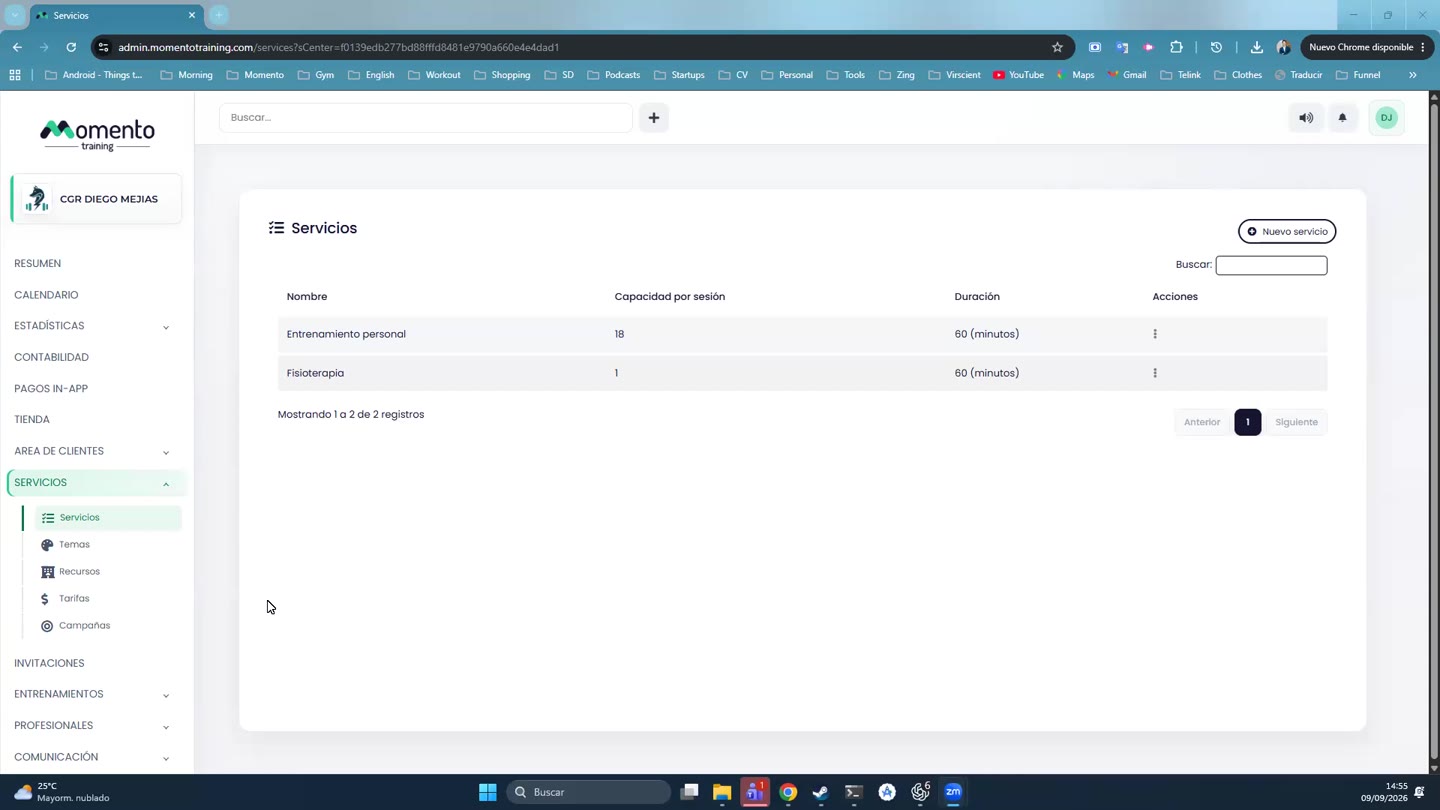
- Go to Services › Services.
- Open the service's Actions menu.
- Click Propagate capacity.
Important: if you reduce capacity, check the classes that already have more bookings than the new limit.